When consultants keep spreadsheets alongside the CRM, something is wrong with your operational setup. That habit alone does not prove you need a new system. Most CRM failures in recruitment agencies stem from dirty data, unclear processes or low adoption, none of which disappear when you buy new software. Moving bad data to a new platform standardises chaos at twice the cost.
Start with the constraint, not vendor demos
Before booking software demos, isolate the actual bottleneck. Agency operational friction usually sits in one of four areas:
- System limitation: Essential workflows, compliance controls or desk-level reporting cannot be configured in the software.
- Data quality: Duplicate records, unworked leads and dead contacts make searches unreliable and slow down delivery.
- Process inconsistency: Consultants use different pipeline stages, note formats or client ownership rules across desks.
- Low adoption: The platform supports the desk workflow, but consultants default to personal spreadsheets and inboxes.
Blaming software for poor management oversight is common. If a data clean-up, compulsory field rules and clear management reviews resolve the issue, pause platform replacement plans.
Three genuine signals that you need a new CRM
Replace your CRM only when structural technical limitations actively prevent consultants from billing or scaling operations.

The platform cannot support your operating model
A system change is justified when software architecture cannot accommodate your desk structure, revenue models or compliance needs even after reconfiguring the setup.
- Contract pay and bill workflows, temp compliance checks or perm fee split reporting cannot be built natively or integrated reliably.
- Essential third-party tools cannot exchange data, forcing consultants into manual rekeying.
- System permissions cannot support multi-branch structures, regional territories or clear client ownership rules.
System performance actively reduces consultant capacity
Measure lost consultant time over two weeks before committing capital. If consultants lose hours daily rekeying information across tools or searching through duplicate candidate files because search filters break under volume, technical debt is eating billable capacity.
When agencies hold 100,000 records or more, uncontrolled historic imports and missing validation rules make the CRM unusable for targeted search. If the software lacks basic deduplication and data control functions, a platform change or deep architecture overhaul becomes necessary. Conduct a thorough CRM audit and technology review to identify structural flaws before signing new contracts.
Platform architecture limits business growth
Agencies opening new desk lines or expanding from perm into contract recruitment often hit hard platform boundaries. If your current system cannot handle high-volume compliance documentation, timesheet integrations or multi-currency billing, the platform has reached end-of-life for your business model.
Audit data quality before selecting a software provider
A new CRM will not fix duplicate records or missing candidate skills. Completing a structured audit before evaluating software vendors prevents scope drift and controls downstream implementation costs.
Establish clear data retention and migration rules
Do not import every historical record into a new database. Set strict criteria before mapping data:
- Keep: Active candidates with verified contact details, active client contacts and recent placement history.
- Enrich: High-value records missing key tags, updated job titles or verified email addresses. Using modern tools for market data enrichment and record scoring can recover unworked records before migration.
- Archive: Historical placement data and closed vacancies required only for financial reporting.
- Exclude: Duplicate profiles, unverified contacts without activity for two years and test records.
Pruning obsolete candidate profiles protects database search speed and reduces migration fees charged by suppliers.
Assign internal ownership to manage migration risk
Software migrations drift when accountability is split between operations, sales leadership and external tech suppliers.
Assign single-point ownership across four decision areas:
- Data hygiene: An operations lead who decides which records migrate, merge or archive.
- Workflow design: A senior consultant who defines compulsory pipeline stages and daily activity rules.
- Technical delivery: A project lead who manages data mapping, testing schedules and integration sign-off.
- Commercial accountability: An agency director who tracks adoption metrics and fee impact post-launch.

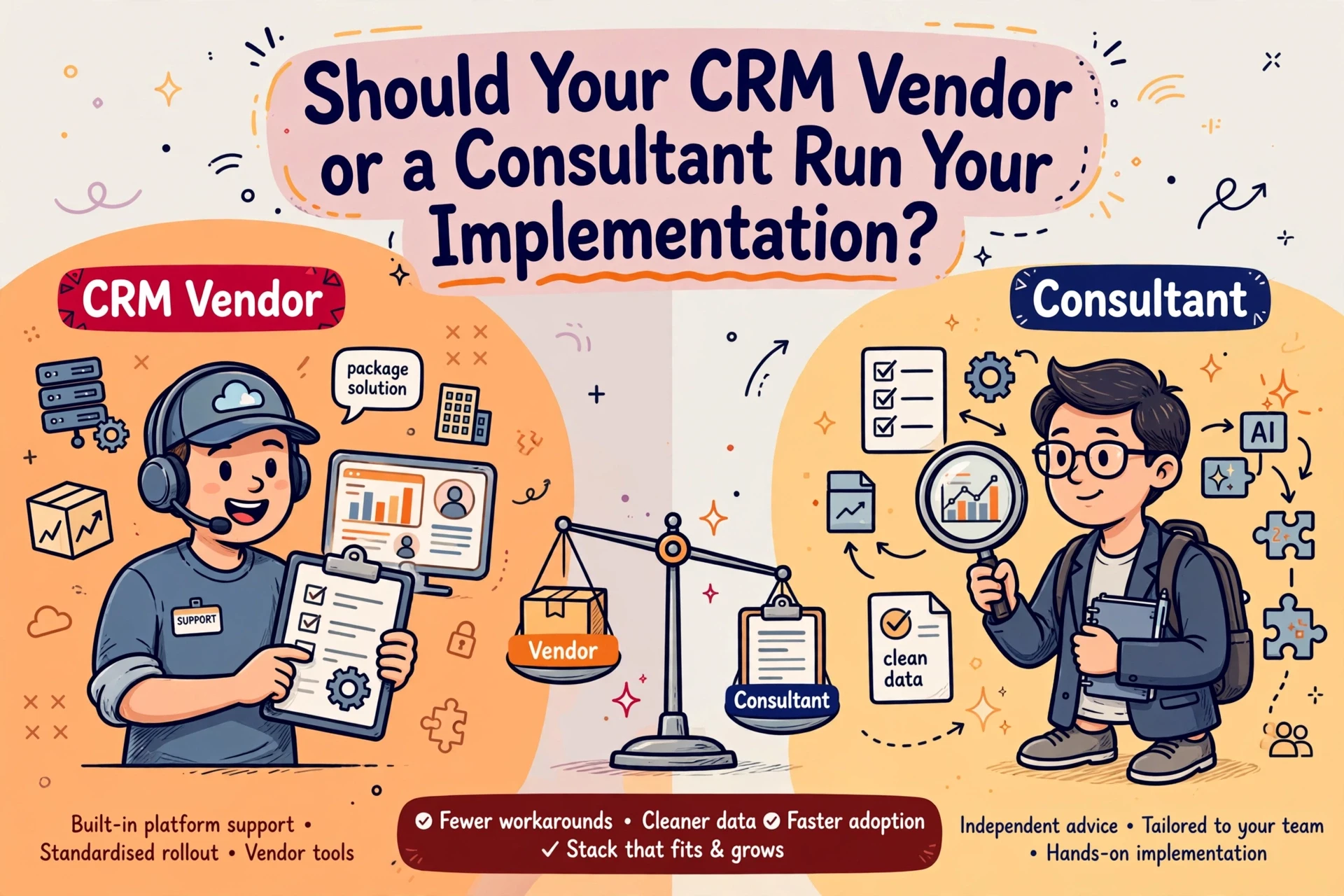
Never make the software vendor responsible for defining your internal operating standards.
Run a phased rollout to protect live desk activity
Migrating an entire recruitment business over a weekend without desk testing invites disruption. Use a phased delivery model to manage operational risk.
Phase one: data audit and field mapping
Extract sample datasets across candidate, client and active job entities. Map source fields directly to target system fields, establishing mandatory rules for candidate consent status, desk tags and fee fields.
Phase two: configuration and pilot testing
Configure the platform around agreed desk processes. Test the setup with a single desk running live vacancies. Run parallel tests to verify email logging, CV parsing, job board posting and revenue forecasting.
Phase three: cutover and post-launch review
Reconcile vacancy counts, candidate totals and active placements prior to switchover. Set the legacy system to read-only once data validation checks pass. Review adoption rates at two weeks and six weeks post-launch to address friction quickly.
Fix, audit or replace: making the final decision
Before signing new software contracts, test your situation against three actions:
- Fix: Choose this when the system supports your desk model, but consultants bypass established rules. Simplify pipeline stages, mandate core fields and enforce management review.
- Audit: Choose this when complaints are general or unverified. Test end-to-end workflows on a live vacancy to separate user habit issues from technical failure.
- Replace: Choose this only when proven technical limitations restrict billings or operational scale despite clean processes and good data hygiene.