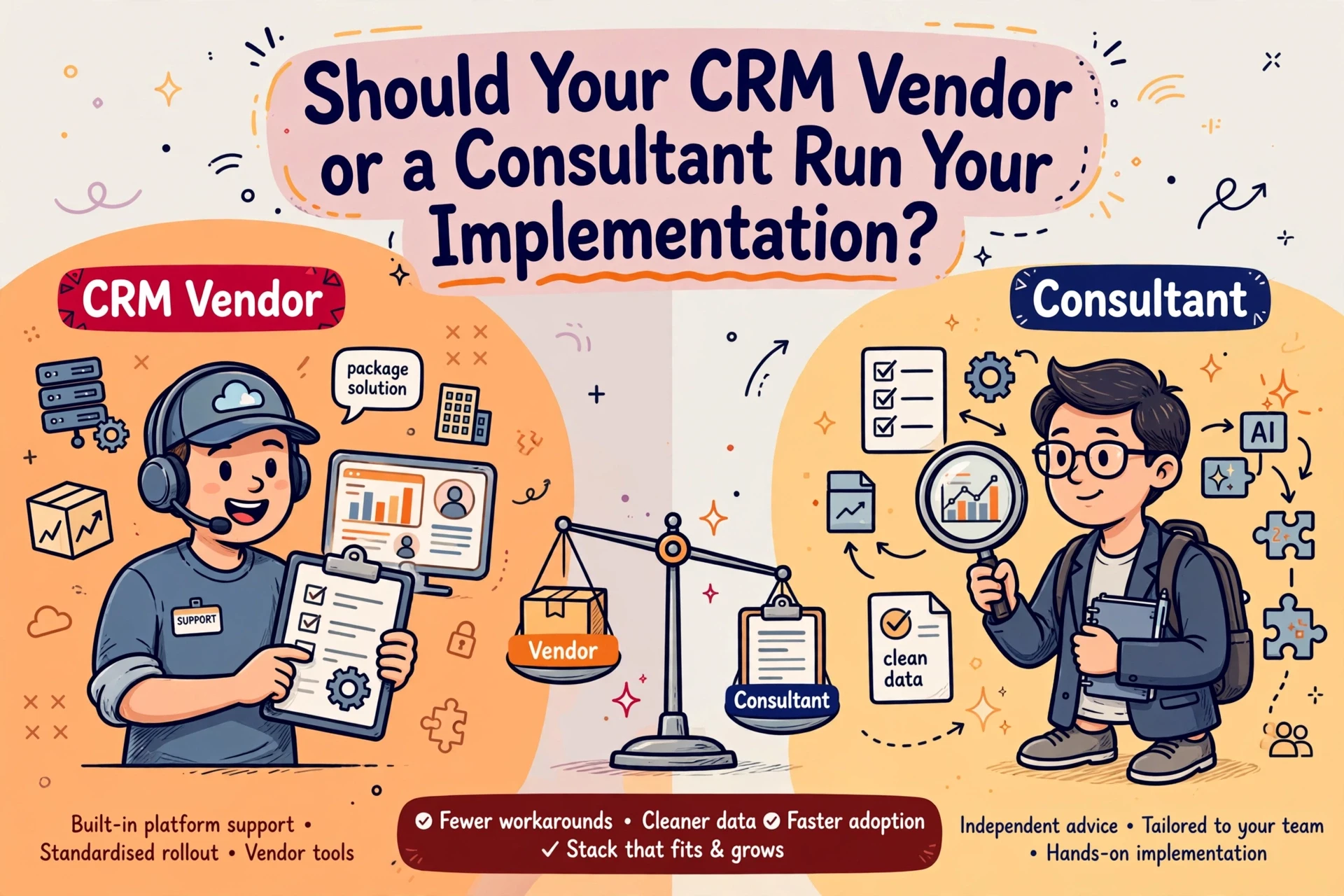
Two UK recruitment agencies buying the same platform with matching desk counts can receive implementation quotes that differ by tens of thousands of pounds. One provider promises a go-live date in six weeks, while another demands four months. The gap rarely comes down to software licence pricing, but rather what each vendor quietly leaves out of their scope.
Seven drivers of recruitment CRM implementation cost and timeline
Software vendor pricing usually reflects licence seats, but implementation fees cover the work required to set up the system. Seven operational factors dictate actual cost and project duration:
- User seats and active desks. Licensing only active billers and operational staff keeps seat costs aligned with actual use.
- Data volume and record quality. Migrating ten years of unstandardised candidate records requires far more mapping effort than moving three years of structured data.
- System integrations. Connecting job boards, pay and bill systems, or email tools adds configuration and testing dependencies.
- Workflow configuration. Customising pipeline stages, compliance checks and permissions takes time, whereas standard out-of-the-box workflows deploy faster.
- Internal team availability. Agency directors and senior billers must dedicate time to testing and sign-offs, or the timetable stalls.
- Data validation ownership. Defining whether your team or the vendor audits records prevents unexpected work during migration.
- Vendor scope exclusions. Quotes that omit post-launch support, admin training or custom reporting appear cheaper until variations arrive.
The typical 12 to 14 week implementation timeline
A standard recruitment CRM rollout for an agency with 10 to 50 desks typically spans 12 to 14 weeks. A further two to four weeks of post-launch stabilisation ensures consultants adapt to the new system.
Weeks 1 to 3: Discovery and requirements mapping
The project starts by documenting how your recruitment desks operate. We map candidate sourcing, client submission pipelines, compliance workflows and reporting requirements before any software configuration begins. Data mapping also starts here, establishing how fields in your current database align with the new system.

Weeks 4 to 9: Configuration, data preparation and integration
The vendor builds system pipelines while your team prepares legacy data. Field mapping errors and unstandardised job titles are addressed during this phase to prevent broken candidate searches after go-live. Integrations with multiposting tools and back-office pay and bill platforms are configured and tested alongside core CRM functions.
Weeks 10 to 14: User testing, training and go-live
Selected consultants test system workflows against live placement scenarios. User adoption risks are managed by simplifying mandatory fields, ensuring consultants focus on recording high-value touchpoints rather than filling unnecessary administrative boxes. Once testing passes sign-off, final data extracts migrate over a weekend before the new CRM opens for daily operations.
Weeks 15 to 18: Post-launch stabilisation
The first month after launch requires active monitoring. System configurations are refined based on daily consultant feedback, initial placement reports are validated, and legacy systems are placed into read-only access to reinforce adoption.
Comparing supplier quotes on equal terms
Comparing two implementation quotes requires looking past headline pricing. Vendors construct proposals differently, and low initial estimates frequently conceal missing scope.

To evaluate bids accurately, insist that all suppliers price against a single written brief. Verify whether data preparation, field mapping, integration builds, admin training and post-launch support are explicitly included. If a vendor leaves record validation or workflow design unpriced, your agency will absorb those costs during rollout as expensive contract variations.
When reviewing potential platforms, understanding whether your existing database structure can support a new system is critical. Our CRM implementation service helps agencies define clear requirements and evaluate vendor bids on identical terms.
Preparing database records before migration
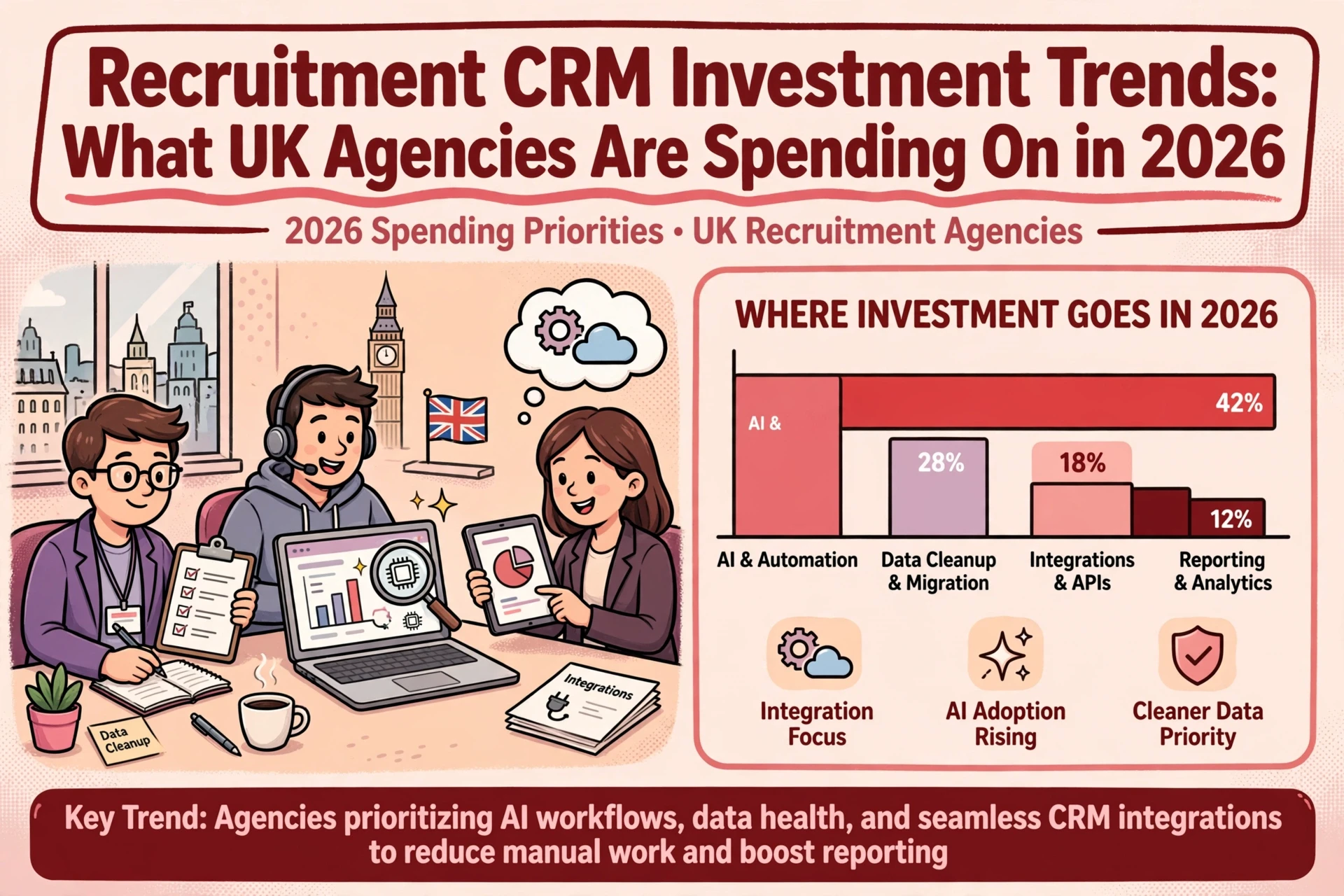
Data migration issues are the primary cause of project delays and budget overruns. Moving unindexed, duplicate or incomplete records into a fresh CRM creates broken search functions and frustrates billers from day one.
Before contracts are signed, conduct a thorough assessment of your existing database. Identify candidate records with blank fields, inconsistent job titles or missing contact details. Establishing a structured tagging system for client sectors and job roles before migration removes the need for manual corrections later.

Agencies seeking to assess database readiness often pair migration planning with our data intelligence service. Scoring record quality early identifies which candidate histories warrant migration and which can be safely archived. For broader guidance on preserving operational data during a system transition, read our detailed guide on migrating recruitment CRM data without losing client history.
Managing implementation risks before signing contracts
System rollouts stall when internal authority and project ownership remain vague. Appointing a single internal project owner who holds authority for workflow decisions prevents sign-off bottlenecks.

Protecting consultant productivity also requires limiting scope during initial launch. Launching with essential candidate management, client tracking and placement workflows allows billers to build confidence quickly. Advanced automation, complex custom reports and secondary tool integrations can be deployed in subsequent phases once core adoption is secure.
Before deciding to replace an existing platform, directors should verify whether operational friction stems from software limitations or poor configuration. Reviewing our analysis on evaluating when an agency CRM needs replacing helps clarify whether a migration is necessary or if reconfiguring your current stack yields a better outcome.
Practical steps for agency leadership
A successful CRM rollout requires clear decisions before committing to vendor terms:
- Audit active desk counts to avoid purchasing unnecessary software seats.
- Document core recruitment workflows so vendors configure against proven processes.
- Require all bidding vendors to price against an identical written scope of work.
- Assign internal responsibility for record auditing and project sign-offs.
- Define a firm cut-off date for legacy systems to establish single-system discipline.
Frequently asked questions
What drives the overall cost of a recruitment CRM implementation?
Implementation costs depend on user seats, data volume and quality, integration requirements, and workflow configuration scope rather than software licence fees. Quotes vary significantly when vendors leave data preparation, admin training or post-launch support out of their initial baseline scope.
How long does a recruitment CRM implementation typically take?
A standard implementation for a UK recruitment agency takes 12 to 14 weeks from project kick-off to go-live. A further two to four weeks of post-launch stabilisation is required to adjust workflows and confirm reporting accuracy.
How can an agency prevent timeline delays during migration?
Timelines are protected by preparing database records early, documenting core recruitment workflows before configuration begins, limiting initial scope to launch essentials, and ensuring internal stakeholders approve project milestones promptly.
Should an agency migrate all historical data to the new CRM?
No. Agencies should audit legacy databases to identify active client histories, recent candidates and compliant placement records. Archiving stale or incomplete records reduces migration complexity, cuts implementation costs and ensures search features function effectively from launch day.