A client record landing in your new recruitment CRM with an accurate name and email address is useless if agreed fee terms, candidate preferences and past interview notes are missing. That lost context forces consultants to start every account conversation from scratch.
Preserving relationship history requires a structured migration strategy that prioritises entity relationships over raw record counts. Standard field exports capture basic contact details, but relationship history lives in the links between clients, contacts, candidate CVs, jobs and placement records.
Categorise records before exporting source data
Every CRM migration starts with a clear boundary around what needs to move. Exporting an uncleaned database transfers existing data structural problems into a fresh system at high speed.

List every data type currently held in your database. This includes client contact histories, fee agreements, interview notes, candidate right-to-work documents and historical job placements. Missing a category during scoping breaks consultant trust in the new platform on day one.
| Data type | Why it matters | Migration risk if lost |
|---|---|---|
| Client contact history | Preserves commercial context and account continuity | Consultants restart sales conversations from scratch |
| Placement records | Validates invoice histories and rebate terms | Revenue leakage and disputed fee calculations |
| Consultant activity notes | Retains candidate preferences and interview feedback | Loss of desk knowledge when consultants move |
Sort every record category into three distinct buckets: migrate to the new CRM, move to read-only archive storage, or delete permanently. Under UK GDPR principles, agencies must minimise stored personal data and retain only what serves an ongoing business or compliance purpose. The ICO guidance on data minimisation requires organisations to justify retention periods rather than storing legacy databases indefinitely.
Cleaning messy data before export is far cheaper than fixing misaligned records post-cutover. Agencies carrying years of free-text job titles or unstandardised tags should review their taxonomy through a dedicated data intelligence service before starting data extraction.
Map entity relationships alongside standard fields
Recruitment CRMs rely on relational databases. A single client contact links to a company entity, historical roles, active candidate shortlists and years of email correspondence. Mapping individual fields without preserving these parent-child relationships breaks account reporting.
Define how objects link together before building field-level mapping sheets. Standard entities include:
- Companies and client contacts
- Candidates and original CV attachments
- Roles, job specifications and candidate applications
- Placements, fee structures and billing details
- Historical notes, tasks and email activity logs
Build a explicit field mapping sheet for every entity. Mark whether each field moves directly, requires format conversion or gets retired. For instance, free-text desk tags can be mapped into standardised dropdown options in the new system.
Where field structures differ between legacy and target systems, define conversion rules before extraction. Misaligned candidate status values or missing mandatory fields will cause import batches to fail midway through execution.
Test imports using complex account histories
Never run a full data migration without testing complex records first. Testing with clean, single-contact records provides false confidence because it fails to stress-test relational data links.

Select a test sample of 50 to 100 records that represents the messiest data in your database. Include your oldest client accounts with multi-year placement histories, records with multiple email addresses, active jobs with candidate shortlists, and candidate profiles containing multiple CV attachments.
Validate test outcomes by inspecting converted records manually rather than relying solely on automated import confirmation logs. Check four specific areas:
- Historical notes and call logs attach directly to the correct client contact.
- Placements remain linked to both the candidate record and the parent client account.
- Custom fields map accurately to locations consultants expect.
- Candidate CV attachments open without formatting corruption.
Have desk consultants test daily search workflows within the test environment. If experienced billers cannot locate recent client placement notes during a simulated candidate search, the mapping structure requires revision.
Rehearse cutover timelines and establish rollback points
Extracting and loading flat contact lists takes minutes. Rebuilding entity links across thousands of placements, jobs and activity logs takes hours.

Plan the final cutover around business activity patterns. Weekend execution provides time for data validation before Monday morning billing operations resume.
Following established Microsoft cutover planning guidance, run a full historical data load into the target system ahead of time. Apply smaller delta loads immediately before go-live to capture only the records created or updated during the crossover period.
Freeze the legacy CRM into a read-only state before launching final delta extractions. Setting clear system boundaries prevents consultants from creating new records in the old database while data migration script operations are running.
Establish written rollback criteria before cutover begins. Define who holds the authority to abort the migration if data validation checks fail. If key relationship links break during the load, revert to the read-only source CRM rather than attempting live remediation in the new system. Rehearsing cutover procedures lowers operational risk, as detailed in Microsoft Dynamics implementation guidance.
Audit initial imports and manage operational risk
Data validation continues after the technical cutover completes. Conduct a post-migration audit during the first 24 hours of live system operation.
Compare total record counts across all main entities between legacy and new platforms. Spot-check 20 active client accounts to verify that recent communication logs, agreed fee percentages and candidate submission histories display correctly.
Maintain read-only access to the legacy CRM for two to four weeks following cutover. Consultants occasionally need to verify historical notes or check legacy formatting that did not map directly into standard fields.
Long-term system utility depends on enforcing data governance from day one. Set mandatory field requirements for new candidate records, enable duplicate detection rules upon record creation, and assign operational oversight for data quality to specific team leads.
Determine your team's migration scope early
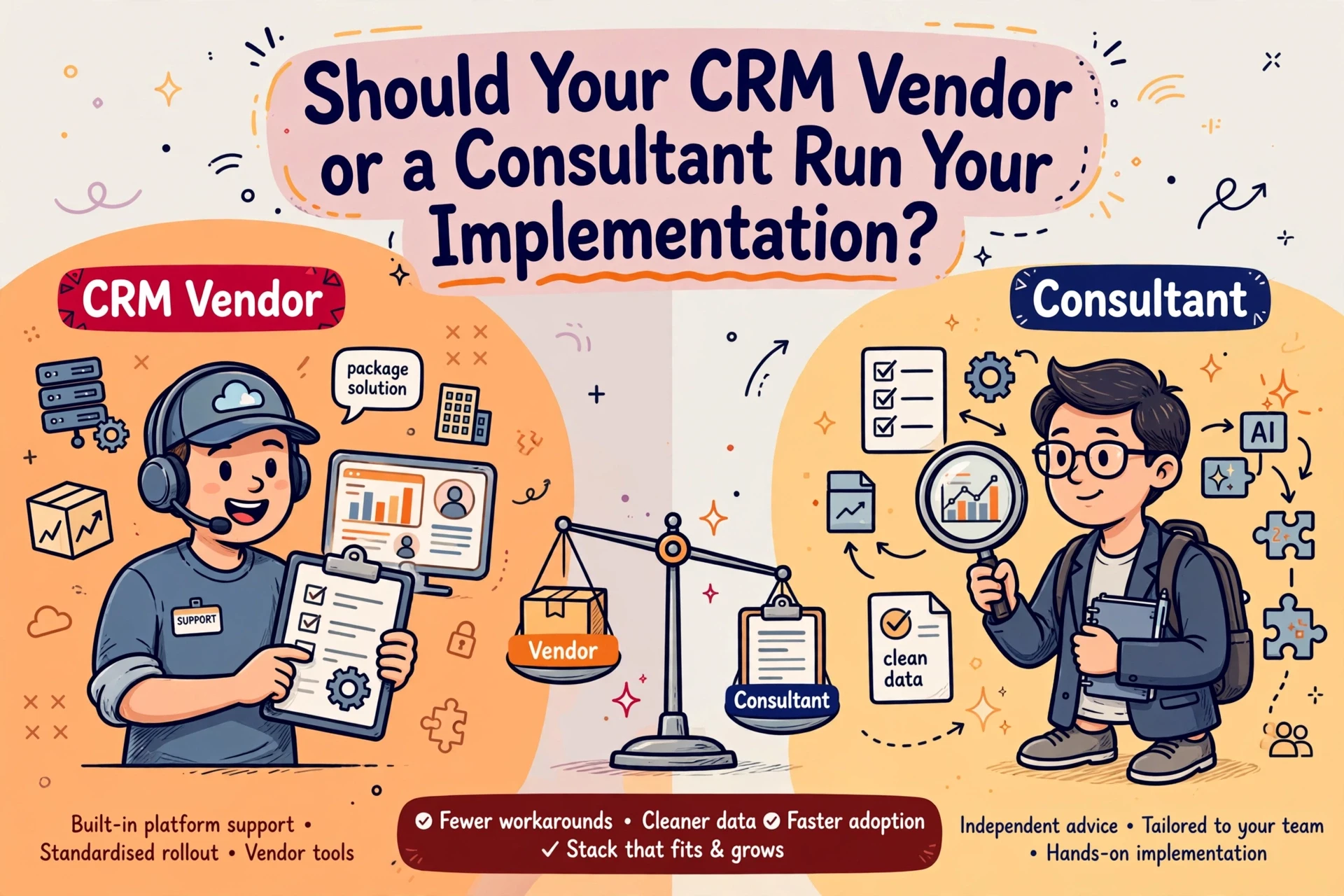
Decide early whether your internal team possesses the capacity and technical resource to execute complex schema mapping and data transformation. While internal operations leads understand company workflows, data cleanup and API extraction often require dedicated technical resource.
Where internal engineering capacity is limited, engaging independent CRM implementation consultancy ensures field mapping, relationship preservation and vendor delivery are managed effectively without diverting senior consultants from fee-earning work.
Frequently asked questions
How do you prevent loss of client history during a CRM migration?
Map entity relationships and linked activity logs before moving any records, rather than relying on flat field exports. Run a test import using complex client accounts with years of placement notes, fee terms and candidate feedback. Spot-check these records side-by-side in both systems to confirm historical notes remain attached to the correct contact.
What candidate and client data should be archived rather than migrated?
Archive inactive candidate CVs without recent engagement, closed jobs over three years old, and former client contacts who have left their organisations. Carrying uncleaned historical data into a new CRM inflates storage costs and slows down candidate searches. Keep archived records in a searchable, read-only format to meet compliance obligations without cluttering daily workflows.
How long should a recruitment agency keep the old CRM accessible?
Keep the legacy CRM in a read-only state for two to four weeks after cutover. This allows consultants to verify historical notes or retrieve missing attachments during live business operations without risk of corrupting new data. Once the team completes initial billing cycles and audits show data integrity in the new platform, retire the old system.