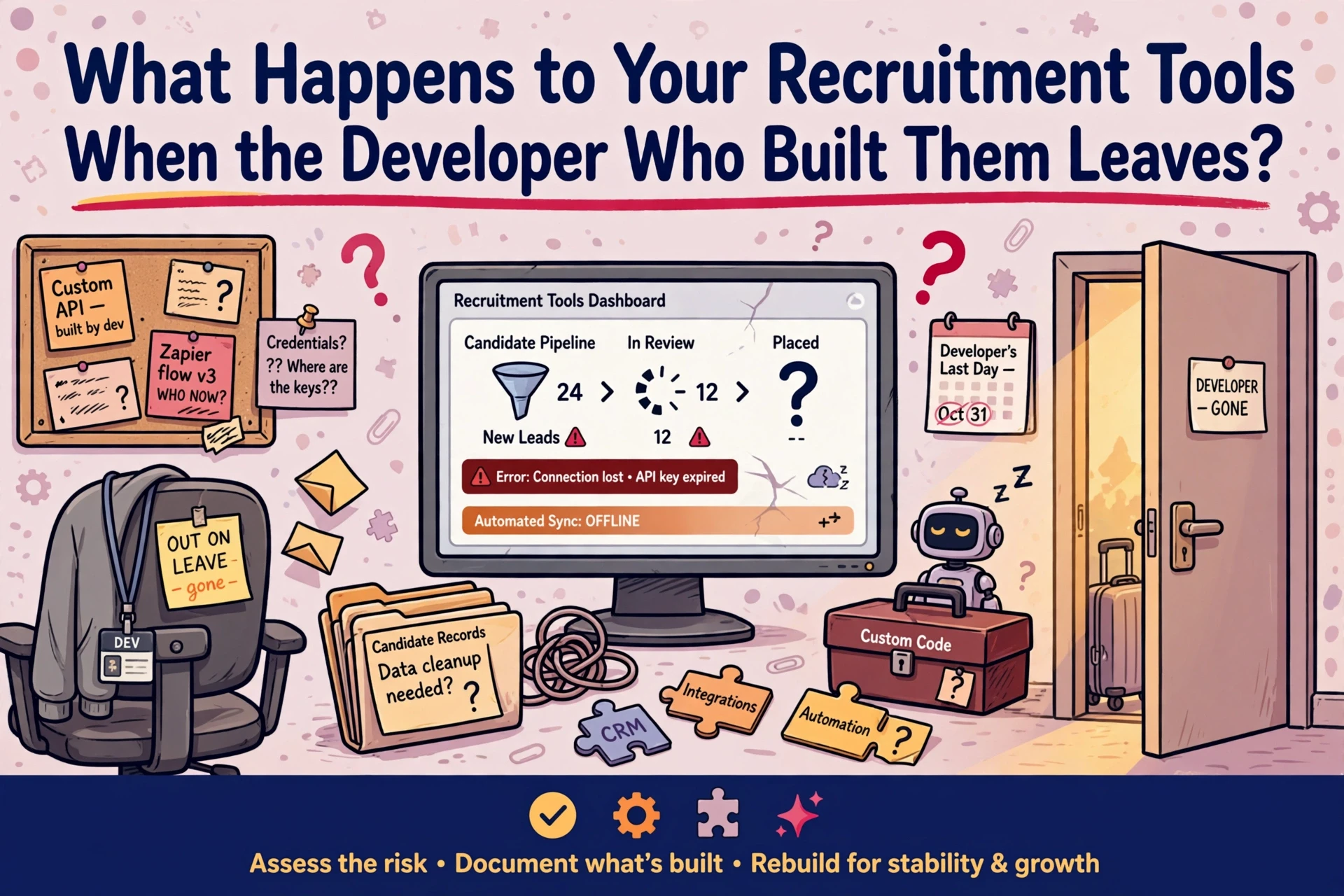
When a developer leaves, custom recruitment software often keeps running silently until something breaks. The underlying risk remains invisible until an API key expires, a script fails or a CRM update alters the database structure. Protecting an agency from single-person technical dependencies requires establishing central governance, securing system credentials and auditing custom tools regularly.
Why a single-person build becomes a business risk
The tool keeps working, and that is the problem
Bespoke software built by an individual consultant rarely fails immediately. Reports continue to deliver every Monday morning, candidate tracking scripts function without intervention and consultants remain unaware of the underlying setup. This quiet reliability makes technical debt difficult to spot. Nobody learns how the system operates because no visible failures have occurred.

The vulnerability emerges when that developer resigns, takes extended leave or moves to another business. Access permissions remain tied to an individual email address, and the logic governing candidate workflows stays trapped inside a custom script. Core CRM platforms remain supported by their respective vendors. The custom software built around them carries zero external backing.
If only one person understands how a tool functions, the business does not own that asset. The system controls the desk.
The cost lands on the desk, not in the IT budget
Most agencies running five to 80 consultants operate without a dedicated internal IT department. When custom software breaks, the financial loss shows up in billing hours rather than invoice lines. Consultants end up compiling reports manually or fixing broken workflow triggers instead of contacting clients.
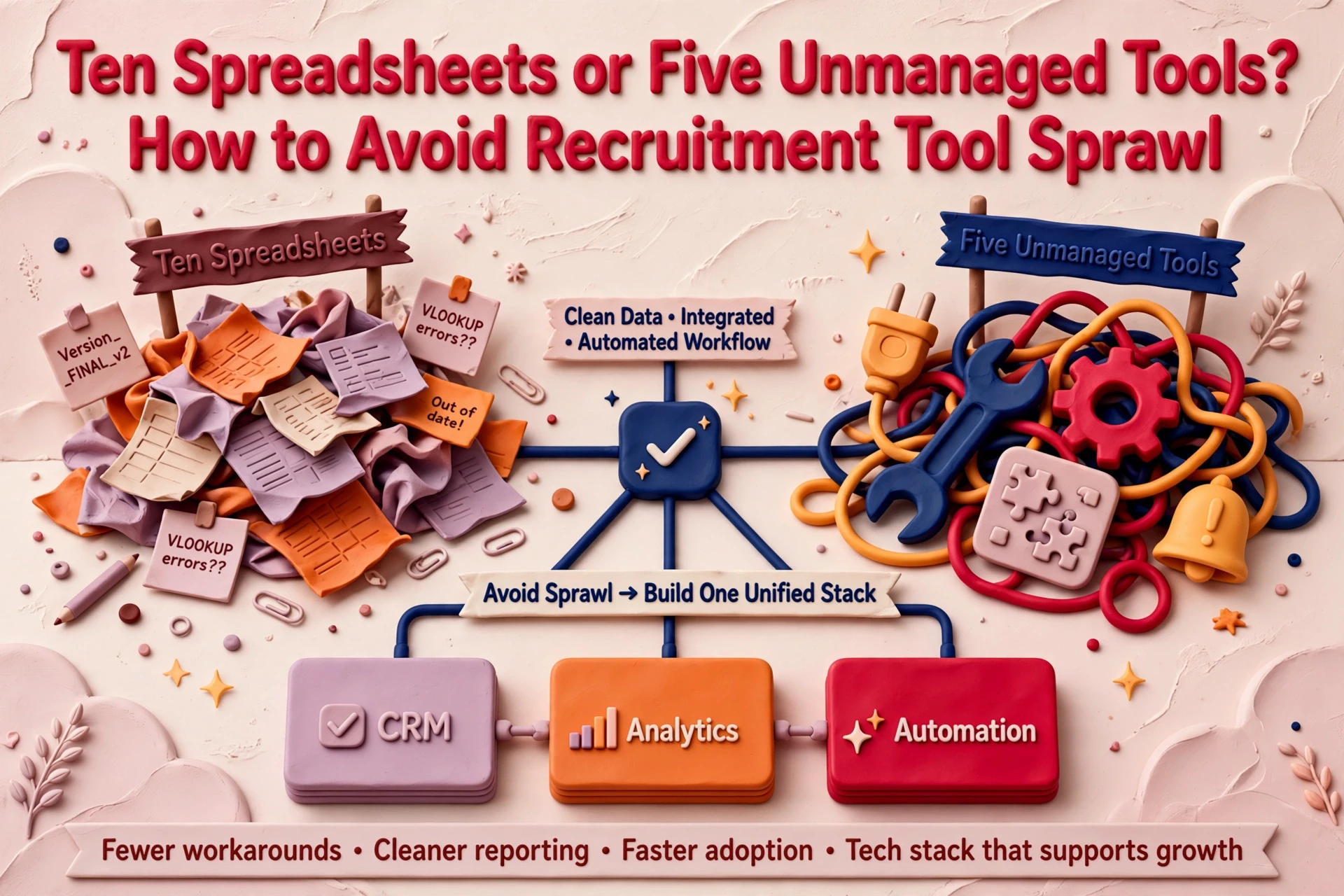
Replacing ten spreadsheets with five unmanaged internal scripts transfers risk without solving the structural problem. Before committing resource to bespoke code, agencies should evaluate whether existing CRM functionality covers the requirement. Our RecTech Consultancy service helps agencies audit custom software dependencies and establish clear tech stack boundaries.
Who should own an internal recruitment tool?
Tool ownership is an operational responsibility, not a technical job title. Bespoke scripts integrated with CRMs pass governance standards only when five criteria are met. Agencies operating custom software should review these criteria twice a year:

- A named operational owner who did not write the original code
- Centralised credentials stored in a shared password management tool
- Source code stored in a company-controlled repository
- A secondary technical contact capable of fixing software breaks
- A documented review schedule conducted every six months
A named owner and a second pair of hands
Assigning ownership starts with operational oversight. A director or operations lead should hold responsibility for the tool. They do not need to write code. They must understand what the workflow accomplishes, which CRM records it alters and who to contact when errors occur.
A secondary technical contact is equally critical. This role can be filled by an external contractor familiar with the codebase or an internal super-user trained on system administration. If troubleshooting relies entirely on the original creator, system governance has failed. Drawing on 20 years in recruitment, including running and selling an agency, we frequently see recruitment firms realise too late that critical operational workflows rely entirely on unmapped personal projects.
Shared access, credentials and repositories
Access credentials must never sit on personal hardware or individual browser profiles. API keys, hosting credentials and user licences belong in a centralised, encrypted password manager under corporate control. Staff changes must never lock leadership out of critical infrastructure.
Source code and system configurations require identical security standards. Storing code in a company repository ensures business continuity. We have detailed this approach in our guide on building bespoke recruitment tools around your CRM. Software stored strictly on a consultant's laptop represents an operational hazard.
Documentation and scheduled reviews
Documentation for internal tools does not require lengthy technical manuals. A single reference document detailing workflow objectives, CRM integration points, account dependencies and emergency escalation contacts is sufficient.
Schedule a review every six months to verify whether the tool remains necessary. Determine whether consultants still use the software, whether documentation reflects current processes and whether CRM updates have made the tool redundant. Without routine reviews, technical ownership drifts back to informal workarounds.
A 30-day plan after a developer departs
When a sole developer leaves an agency, leadership must execute a structured 30-day handover plan. Staging the response prevents system outages while securing operational control.
Days 1 to 7: map existing software assets
Catalog every custom script, macro and third-party integration operating outside the main CRM. Record what each application does, which desks depend on the output and what administrative friction occurs if a tool stops running.
Examine outgoing email logs, server tasks and browser extensions. The goal during the first week is not fixing code, but establishing an accurate inventory of every unmanaged system.
Days 8 to 14: secure accounts and transfer code
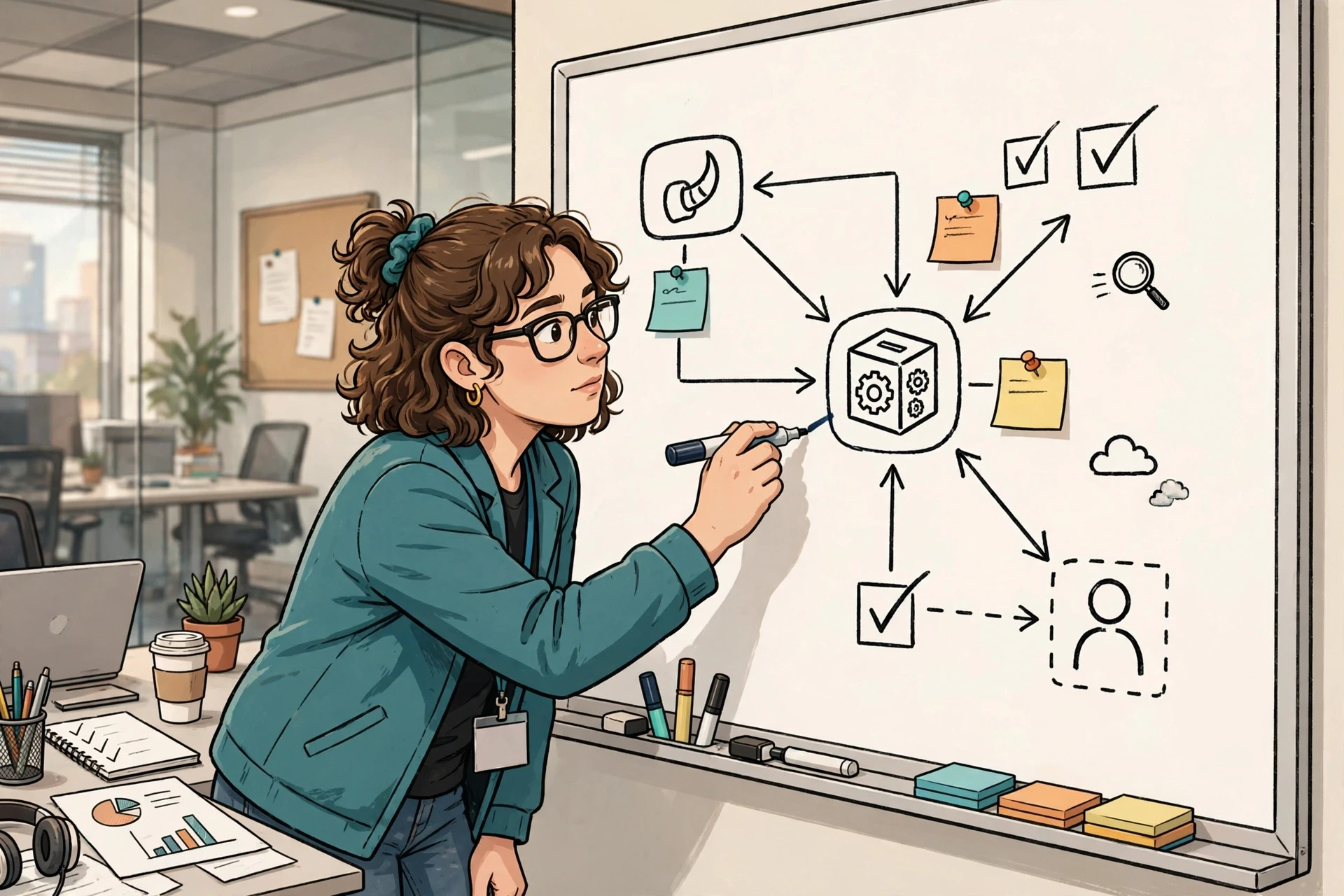
Transfer repository permissions, API secret keys, hosting portals and administrative licences to company-owned accounts. Update master passwords and revoke former employee access across all connected services. Reviewing permissions matches the security practices outlined in our piece on evaluating integration security and system access.
If source code sits outside a controlled repository, export the files immediately. Code in central storage can be audited by external specialists, even if internal staff cannot read the scripts today.
Days 15 to 30: evaluate keep, rebuild or retire decisions
Once control is secured, evaluate each custom tool against commercial realities. Determine whether native CRM functions now replace the requirement, whether remaining staff understand the system logic and what replacement would cost.
If a tool provides marginal utility while introducing high maintenance complexity, decommission it. If a custom build supports core billings but lacks documentation, schedule a structured rebuild. Keep only applications that the agency can manage, document and repair independently.
When to retire a bespoke recruitment tool
Attempting to save every internal script creates unnecessary administrative burden. Retiring redundant tools frees up operational focus and reduces system security risks.
Indicators that custom software has expired
Custom recruitment software usually expires through gradual obsolescence rather than sudden failure. Clear signs that a tool has reached the end of its lifecycle include:
- Consultants creating manual spreadsheet workarounds to bypass software outputs
- Maintenance time exceeding the operational savings generated by the script
- Complete lack of internal understanding regarding system logic
- Native CRM updates introducing built-in features that mirror the tool
- System errors threatening placement pipelines or candidate communication
When native CRM tools cover core workflows, custom scripts add unnecessary risk. In our recorded conversation on process before automation, we explore why refining core operational processes yields better results than adding unmanaged software layers.
Decommissioning systems without corrupting records
Decommissioning custom tools requires careful data management. Identify all candidate and client data points stored within the tool before turning off servers or revoking licences.
Ensure all valuable interaction histories, client tags and contact details transfer back into the primary CRM. Complete any missing candidate or contact fields prior to shutdown. Never delete database records outright; flag obsolete entries for review. Store a final data export in secure cloud storage accessible by management before revoking application access.
Establishing long-term control over agency technology
Agencies should maintain their CRM platform as the single source of truth. Platforms like Bullhorn, Vincere, etc receive ongoing vendor support, ensuring core candidate, client and placement records remain secure.
Custom tools should only exist to fill specific operational gaps that off-the-shelf software cannot address. When an agency chooses to build bespoke tools, governance must match development effort. We explore these trade-offs further in our analysis on why building a bespoke CRM from scratch fails.
Before building or maintaining custom recruitment software, audit existing access permissions, confirm repository ownership and assign a non-technical operational owner. If a system cannot pass a basic governance check today, plan its retirement before the developer walks out the door.
Frequently asked questions
What happens to custom recruitment tools when a developer leaves?
The software usually continues running, but the agency loses the ability to update logic, fix bugs or manage access. Operational risk increases until leadership secures access credentials, transfers source code to a company repository and assigns a named owner to manage system maintenance.
Who should own internal recruitment tools within an agency?
An operational lead or director should hold primary ownership of internal tools. They do not need coding skills, but they must understand system workflows, manage vendor permissions, maintain documentation and know which technical contact to call when system failures occur.
Where should code and credentials for internal tools live?
Source code must sit in a corporate code repository controlled by agency management. Access keys, API tokens and passwords belong in a shared, encrypted enterprise password manager, never on individual consultant laptops or personal browser password stores.
When should an agency retire custom recruitment software?
Retire custom software when consultants create manual workarounds, maintenance costs exceed operational value, or native CRM updates introduce equivalent features. Ensure all client and contact records migrate into the main CRM before shutting down legacy applications.