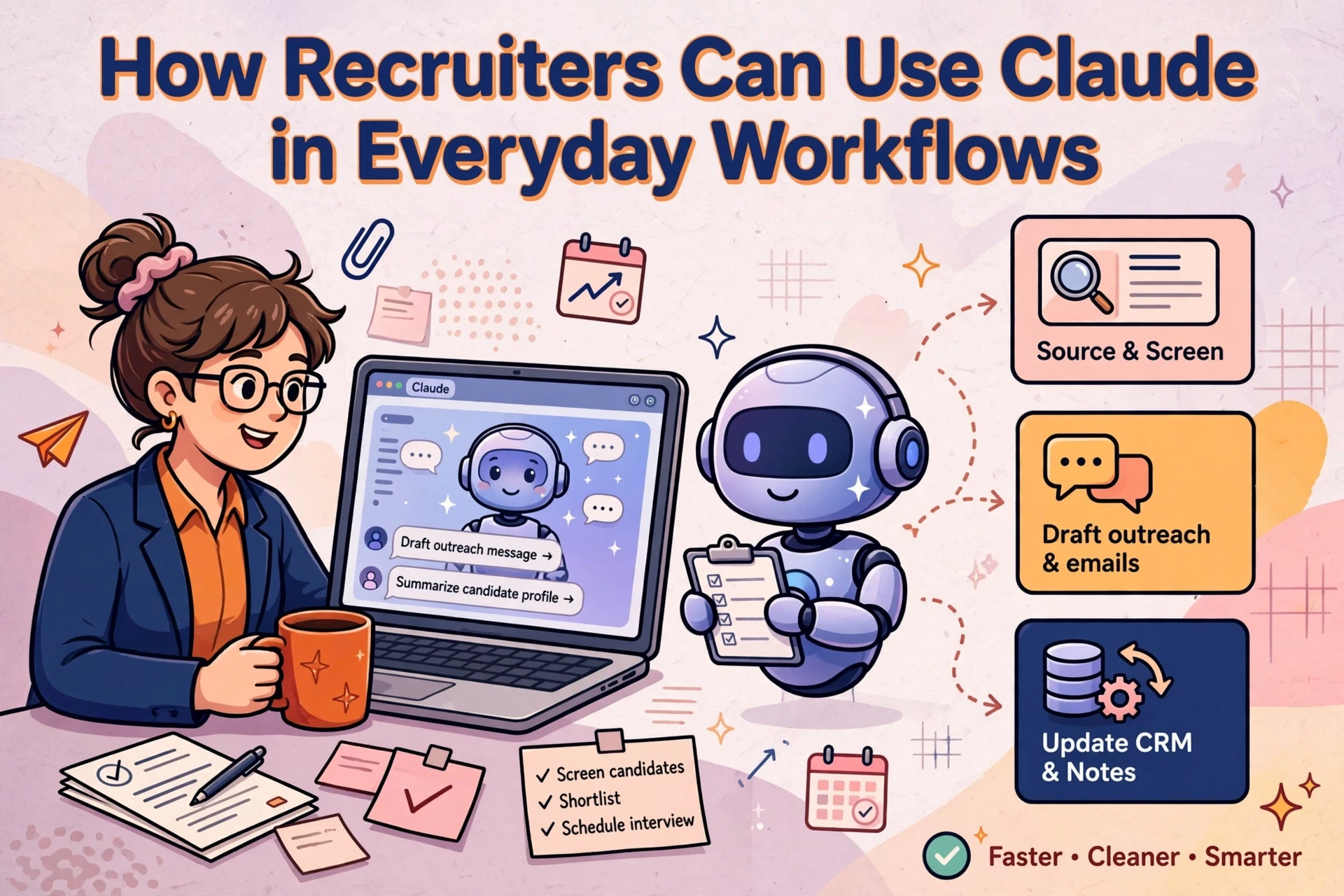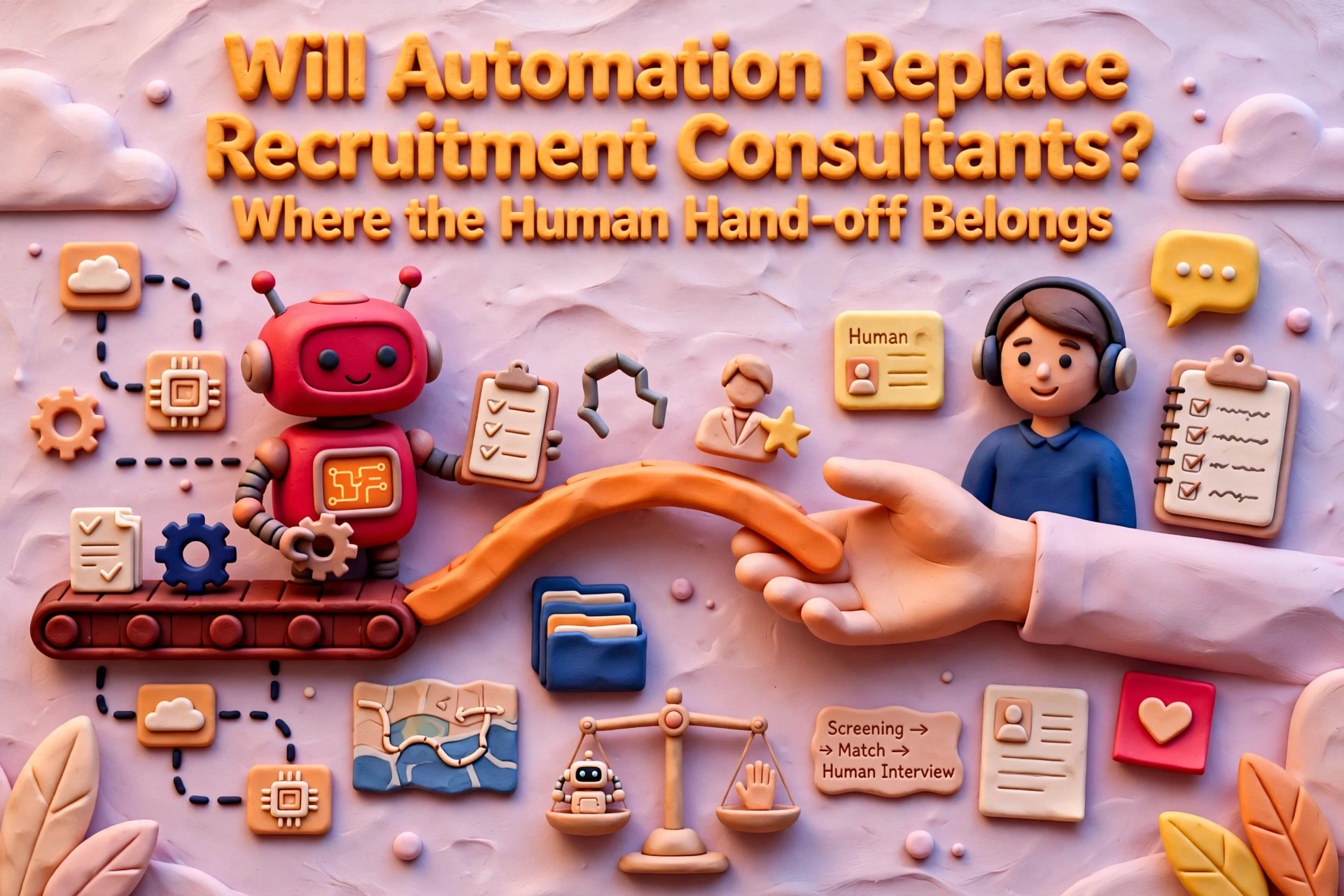
Most recruitment agencies automate the wrong tasks first. They attempt to automate candidate screening or client outreach, only to create compliance risks and damage commercial relationships. Meanwhile, their consultants spend hours each week rekeying data, compiling spreadsheet reports and chasing internal admin.
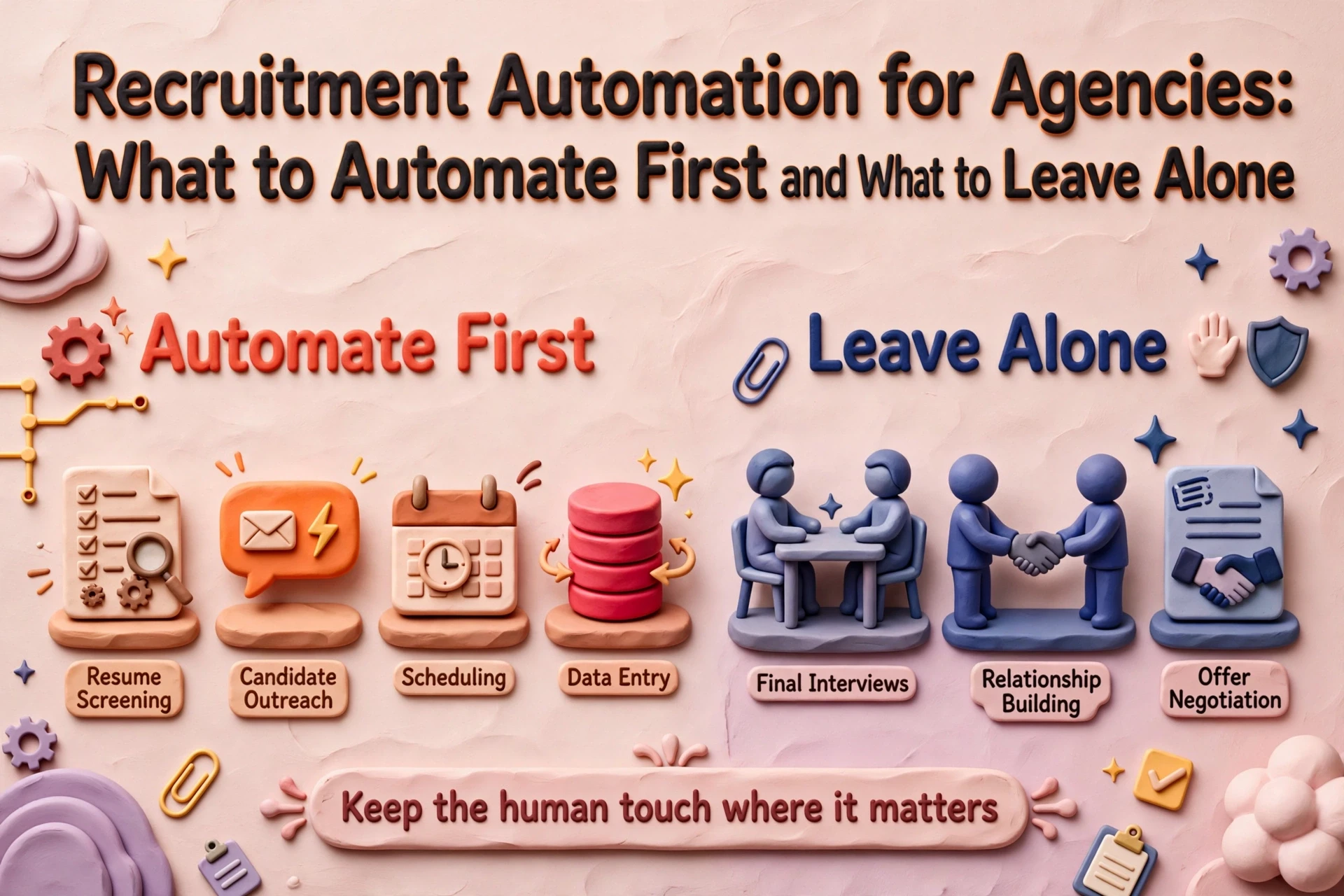
In 20+ years in recruitment, including running and selling an agency, we have seen costly automation errors usually stem from automating high-judgement work too early. Software should handle repetitive operational admin, while consultants retain full control over relationship decisions.
What recruitment agencies should automate first
Start by evaluating administrative tasks against four clear criteria:
- Frequent: the activity happens daily or weekly rather than quarterly.
- Rule-based: the task follows identical steps every time without requiring subjective opinion.
- Low risk: errors can be spotted and corrected easily without client or legal consequences.
- Clear owner: one specific person is accountable for verifying the final output.
A task that fails any of these tests should remain manual. Automated systems handle predictable admin effectively, so focus initial projects on tasks that consume desk capacity without adding commercial value.
Evaluating tasks systematically
The four criteria prevent agencies from pursuing projects that sound impressive but introduce operational risk. Tailoring a commercial proposal to a key client happens frequently, but it demands commercial judgement. Performing compliance checks is rule-based, but carries severe legal risk. Generating monthly reports that nobody reads lacks a clear owner.
Running proposed candidate tasks through all four criteria isolates the safe options. For most UK agencies, the suitable candidates are internal reporting, commission tracking and routine follow-up reminders.
Scoring tasks in ten minutes
List ten admin tasks your consultants repeat each week. Rate each item as high or low against the four evaluation criteria.
Tasks scoring high on all four points go directly onto your automation backlog. Tasks scoring low on two or more criteria stay manual. Rank the qualified tasks by hours saved per week and begin with the top item. This process removes emotion from software decisions and ensures your team addresses genuine operational bottlenecks.
The safest initial candidates for recruitment automation
Initial automation projects should focus on administrative routines that occur regularly and carry minimal operational risk if a system error occurs.
Reporting and commission tracking
Internal reporting is a reliable starting point for agency automation. Compiling placement numbers, desk margins and client pipeline data manually wastes hours and introduces calculation errors.
Commission tracking operates under similar logic. Once you define fee splits, thresholds and fee structures, software can calculate monthly consultant payouts automatically. CRMs like Bullhorn and Vincere include scheduled reporting tools, so check your existing stack before purchasing additional software.
Business development and sourcing preparation
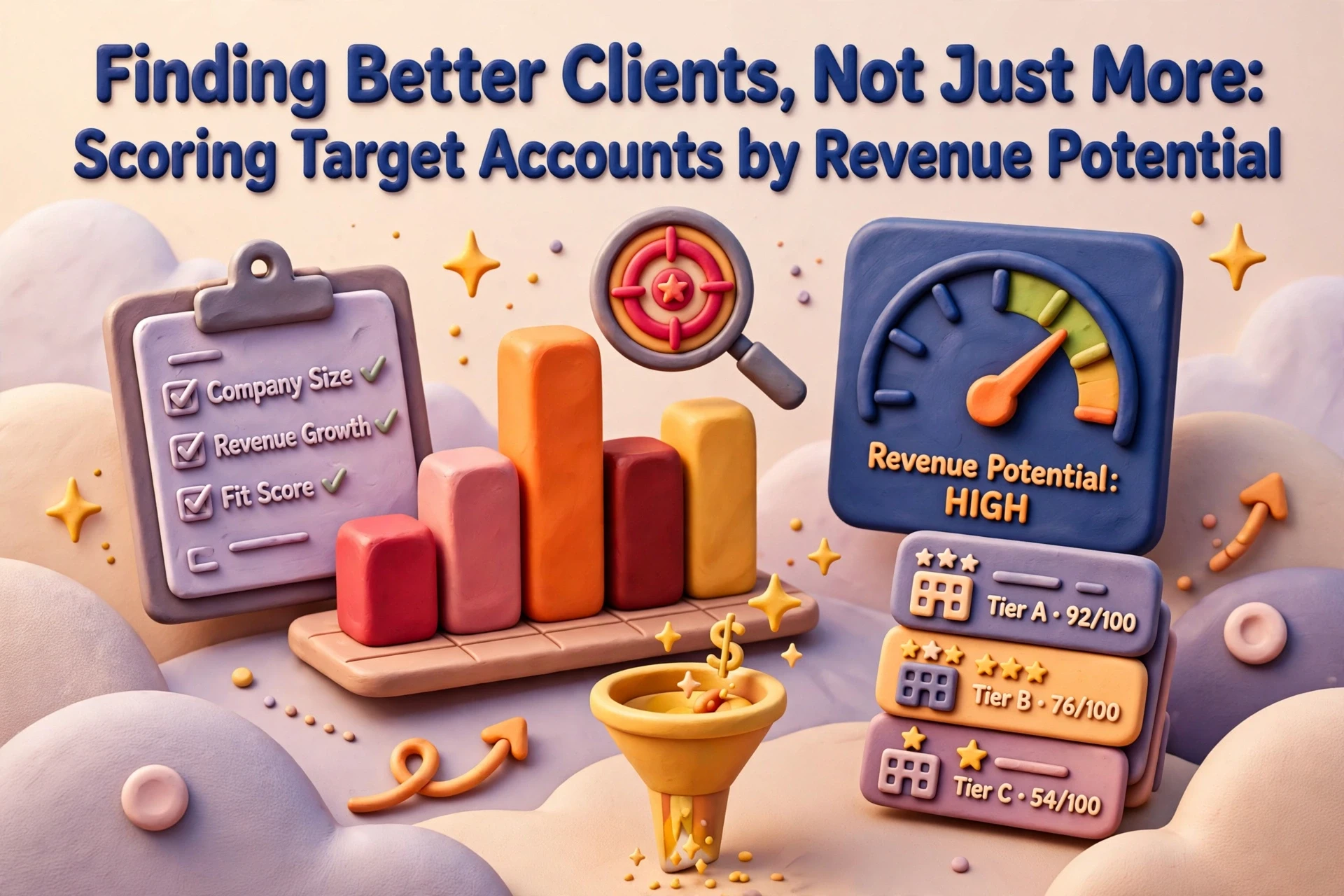
Business development automation works best when it prepares intelligence rather than attempting to manage relationships. Systems can identify inactive client accounts, flag target companies matching your sector focus and assemble contact lists before consultants start prospecting.
Sourcing preparation follows the same model. Systems can monitor job boards, compile lists of potential candidates and present structured data to the desk. The consultant reviews the information, decides who to approach and manages the actual outreach.
Our specialised recruitment automation service delivers custom workflows designed specifically around this model of preparation and human oversight. Practical automation workflows that save consultant time focus on doing research overnight so desks start with warm data each morning.
Completing records and chasing follow-ups
CRM data quality can improve without consultants rekeying details manually. Systems can enrich contact records, flag potential duplicates for review and notify consultants when key accounts have had no contact for 30 days.
Keep a person in the loop throughout. The system suggests updates or prompts action, but a consultant confirms the change.
Tasks that must remain manual
Certain recruitment operations should never be fully automated. Three areas carry unacceptable operational and commercial risk:
- Candidate evaluation: assessing suitability, weighing career gaps or evaluating cultural fit requires human judgement.
- Client relationships: fee negotiations, contract terms and sensitive updates build commercial trust and require personal communication.
- Compliance decisions: right-to-work verifications, IR35 assessments and regulatory documentation carry legal liabilities that software cannot assume.
Technology can support these areas by gathering documents, structuring candidate summaries or reminding consultants of upcoming deadlines. However, the final decision must remain with a named team member.
Subjective candidate evaluation
Automated candidate screening frequently damages agency reputation. Software can match CV text against job keywords, but it cannot evaluate transferrable skills, professional context or candidate motivation.
Use software to organise background information, then let your consultants decide who moves to interview. If an automated tool rejects candidate records without human review, your agency risks turning away qualified talent and damaging its market reputation.
Managing client relationships and compliance
Clients recognise automated outreach immediately, and generic communication undermines agency credibility. Avoid using automated tools to negotiate placement terms, deliver difficult updates or sign off compliance checks.
Drafting content and scheduling tasks can be automated. Deciding strategy and committing the agency must remain manual.
Establishing human checkpoints
Effective workflow design uses a consistent structure: software handles background processing, while a consultant approves the outcome.
Every automated workflow should conclude at a checkpoint owned by a named consultant. If no team member takes accountability for an output, turn that workflow off. Our guide on automating recruitment workflows without losing human judgement details how agencies maintain speed without sacrificing control.
Buying CRM capabilities versus building custom workflows
Agencies must decide whether to rely on native CRM tools or build custom automation around their database.
Leveraging native CRM automation
Built-in CRM automation relies on data already stored in your core system. Follow-up notifications trigger directly from client records, allowing consultants to act without switching applications. Updates record in one database, security permissions stay centralised and technical support comes from your primary software vendor.
The limitation lies in vendor development priorities. If your CRM does not support a specific operational workflow, you must adapt your process or build an external solution.
Building custom workflows around the CRM
Custom workflows extract data from your CRM, process it through external tools and push structured results back into the system of record. This approach suits complex business development workflows, such as cross-referencing recent placements against target client databases to highlight sales opportunities.
You control the business logic, fitting the automation to your actual sales strategy. The trade-off involves ongoing maintenance: your agency must monitor integrations and update workflows when underlying systems change. Agencies exploring this path should read our article on building bespoke recruitment tools with AI to understand the technical commitments involved.
Avoiding software stack complexity
Most recruitment agencies require fewer software applications than tech vendors claim. Use built-in CRM features where possible, construct targeted custom workflows for specific operational gaps, and avoid acquiring new subscriptions each quarter.
Replacing manual spreadsheets with unmanaged software tools increases technical debt without improving productivity. Listen to our recorded conversation on process before automation for insights on evaluating internal readiness before purchasing technology.
BD automation in practice: a desk-level example
A 30-desk UK recruitment agency struggled with inconsistent business development. Consultants prioritised active placement delivery, leaving client contact records cold during busy periods.
The agency resolved this without changing its core technology stack. The primary CRM contained all client histories and contact logs. The agency introduced a simple custom workflow around the CRM: a scheduled job ran weekly to identify key client accounts with no logged activity for 60 days, matched those records against active candidate profiles, and drafted personalised email prompts for desk consultants.
Nothing sent automatically. Consultants reviewed every prompt, edited the message to reflect their relationship with the client, and sent outreach manually.
The task passed all four initial criteria: frequent, rule-based, low risk and owned by individual billers. By using automation to handle account research, consultants spent their time on direct client conversations.
Mistakes that undermine automation projects
Automating over poor CRM data
Building automation on top of inconsistent data amplifies existing errors. If client contacts are duplicated or incorrectly coded, an automated outreach tool will send multiple irrelevant emails to the same individual.
Resolve data quality issues before introducing workflow automation. Scoring, completing and standardising contact records ensures automated processes run on accurate underlying information.
Neglecting governance and regular reviews
Automated workflows require named owners who monitor operational performance. System APIs change, business requirements evolve and scheduled tasks can fail silently without staff noticing.
Establish quarterly reviews for every active automation. Verify that workflows run correctly, align with current desk operations and continue to save consultant time. Treat automation as operational infrastructure that requires regular governance.
Next steps for agency leaders
To introduce automation effectively without risking desk productivity:
- Audit desk admin to identify tasks repeated daily across your teams.
- Filter candidates through the four-part evaluation test to remove high-risk activities.
- Check existing CRM capabilities before buying external software tools.
- Assign a named owner to every automated workflow to maintain oversight.
Frequently asked questions
What recruitment tasks should an agency automate first?
Agencies should automate frequent, rule-based, low-risk administrative tasks that have a clear internal owner. Reporting, commission calculations, candidate record enrichment and follow-up reminders are safe starting candidates. Candidate selection, fee negotiations and compliance decisions must remain manual.
Should an agency build custom automations or buy software?
Use built-in features inside your CRM for standard operational tasks like activity logging and task reminders. Build custom external workflows only when connecting separate systems or executing proprietary business development logic that standard software cannot accommodate.
Which recruitment processes carry the highest risk if automated?
Candidate screening, compliance sign-offs and direct client communications carry the highest risk. Automated CV rejections can eliminate qualified candidates and create regulatory risks, while automated client outreach risks sending generic, inappropriate messages that damage commercial relationships.
How often should recruitment agencies review automated workflows?
Agencies should review active automations quarterly. Technical updates, API changes and shifting operational priorities can cause workflows to drift or fail. A named individual should verify that each automated process runs correctly and delivers measurable time savings.