A client emails a job brief, and a consultant manually copies details into the CRM. Sourcing starts late, updates are missed, and consultant time disappears into administrative tasks. Bolting on standalone software rarely fixes this if candidate records, pipeline stages and next actions remain disconnected.
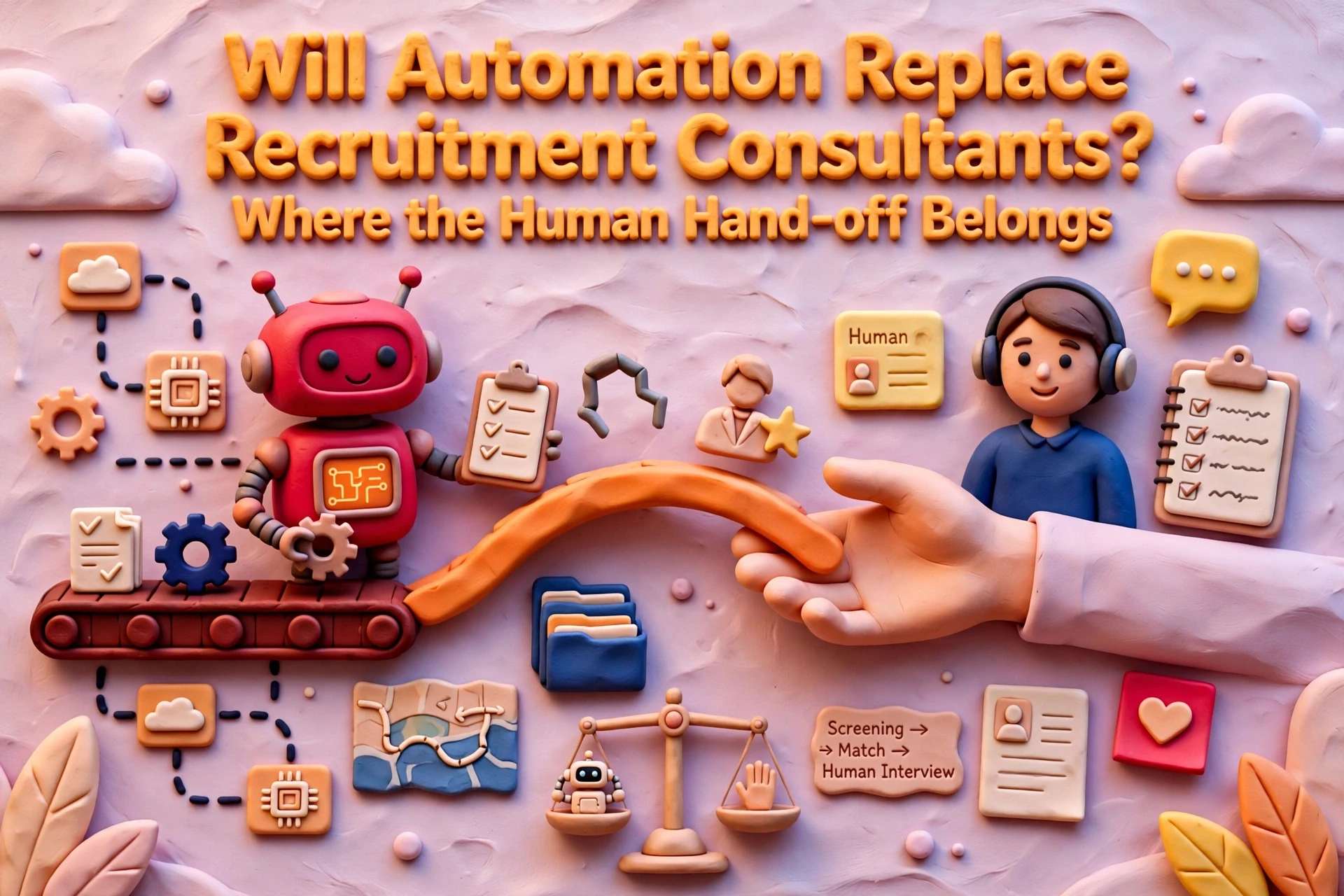
Automating routine recruitment workflows keeps pipeline data moving without adding admin. The goal is not total automation. The goal is removing manual task management while keeping a human checkpoint for candidate evaluation, client negotiation and compliance decisions.
Where recruitment automation creates real time savings
Before adding tools to your stack, map candidate and client interactions from first contact to placement. Recruitment automation workflows work best on linear, trigger-based tasks where data moves between connected systems. Automation fails when applied to broken processes or uncleaned CRM data.
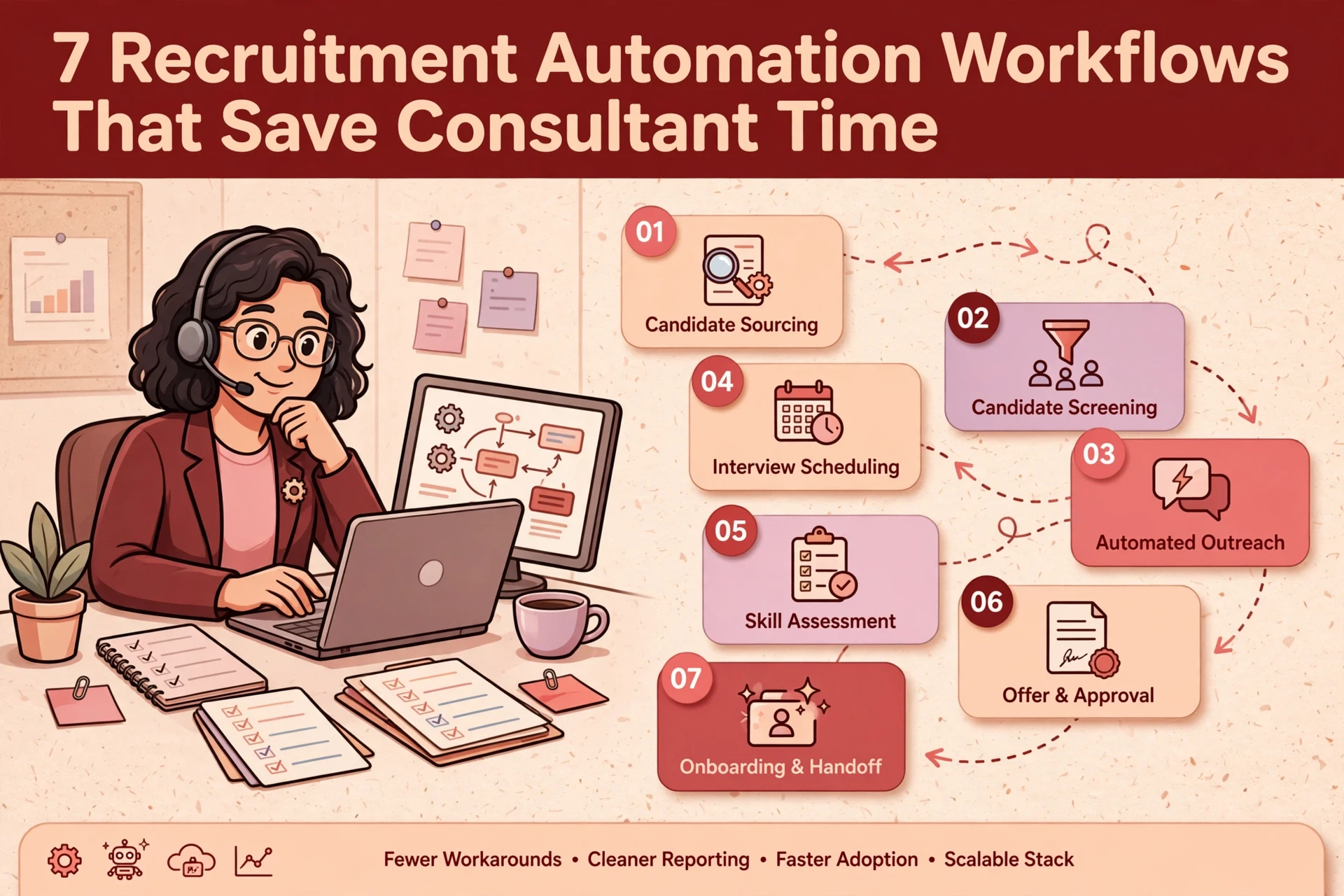
Here are seven core recruitment workflows where automation cuts consultant admin while preserving human oversight.
1. Job brief capture and role qualification
When a client sends a job brief by email or web form, manual data entry creates missing fields and delays sourcing. Automating this step captures incoming data, creates a draft job record in your CRM, and flags missing fields before assigning the job to a consultant.

- Trigger: Approved client intake form submission or designated job brief email inbox.
- Automated action: Draft job record created, required fields validated, next steps assigned.
- Human checkpoint: Consultant qualifies the role with the client and confirms search criteria.
Capturing the brief cleanly at the start prevents incomplete records and repeated data entry downstream.
2. Candidate database rediscovery
Agencies often pay for external candidate sourcing while holding thousands of qualified records in their own CRM. Database rediscovery searches existing records when a new role opens, grouping potential matches into a review queue based on skills, location and past placements.

- Trigger: Job brief qualified and marked ready for sourcing in the CRM.
- Automated action: CRM database queried, candidate review queue generated, missing contact details flagged.
- Human checkpoint: Consultant evaluates candidate suitability and verifies current availability.

This approach keeps candidate data active and reduces reliance on external job boards, provided CRM data quality is maintained.
3. Application intake and candidate routing
Manual CV processing creates bottlenecks and delays candidate communication. An intake workflow parses incoming CVs, creates or updates candidate records in the CRM, sends an instant receipt acknowledgement, and routes the profile to the assigned consultant.

- Trigger: Application received via job board, agency website or email.
- Automated action: Record created, CV parsed into structured fields, receipt sent, application assigned.
- Human checkpoint: Consultant reviews the profile, assesses fit and decides whether to progress the candidate.
Automating intake ensures candidate data enters the CRM consistently. Under ICO guidance on automated decision-making, candidate screening must retain human review and avoid automated rejections.
4. Pipeline follow-up and task reminders
Consultant time is frequently lost managing manual reminders across multiple active vacancies. Triggering automated task reminders around pipeline stage changes ensures candidate and client updates happen on schedule.
- Trigger: Candidate pipeline stage change, scheduled follow-up date or overdue action item.
- Automated action: Internal task created, approved update template drafted, activity logged in CRM.
- Human checkpoint: Consultant reviews and sends the communication, or steps in directly for sensitive calls.
Automated reminders maintain momentum through the hiring cycle without sending impersonal messages to candidates or clients.
5. Interview scheduling and feedback collection
Coordinating interview slots between candidates and clients by email requires multiple touchpoints. Automated scheduling tools connect consultant and client calendars, allowing candidates to select from confirmed available slots.

- Trigger: Interview requested or candidate advanced to interview stage in the CRM.
- Automated action: Calendar slots offered, confirmation sent, calendar invite created, feedback prompt scheduled post-interview.
- Human checkpoint: Consultant prepares the candidate, handles rescheduling requests and interprets client feedback.
Automating logistics cuts administrative drag while allowing consultants to focus on interview preparation and debriefing.
6. Placement onboarding and compliance tracking
The offer-to-start period carries operational and compliance risks if documentation slips. An onboarding workflow generates a placement checklist upon offer acceptance, requests required documentation, and tracks completion dates.
- Trigger: Placement offer accepted in the CRM.
- Automated action: Checklist generated, document requests issued, compliance reminders tracked.
- Human checkpoint: Operations or compliance staff verify Right to Work documents and approve placement records.
Systematising compliance reduces manual oversight errors. Statutory checks like GOV.UK Right to Work validation require physical or digital verification by responsible staff before work begins.

7. Post-placement check-ins and candidate redeployment
Candidate engagement often stops once a placement is made. Automating post-start check-in prompts ensures consultants maintain contact at 30, 60 and 90 days, while flagging contract candidates near their end date for redeployment.
- Trigger: Placement start date reached or contract end date approaching.
- Automated action: Check-in tasks created, redeployment alerts flagged in the CRM.
- Human checkpoint: Consultant conducts the check-in conversation and manages redeployment discussions.
Maintaining regular check-ins protects fee retention during rebate periods and keeps contractor pipelines full.
How to evaluate your CRM for automation readiness
Before purchasing standalone tools or third-party add-ons, audit your existing system. Modern recruitment CRMs often contain native automation capabilities, webhooks and API triggers capable of handling routine tasks.
When evaluating your automation strategy, keep these principles in mind:
- Map the end-to-end workflow on paper before configuring triggers.
- Verify CRM data quality across candidate and client records to prevent automated errors.
- Keep automation focused on administrative handoffs rather than candidate selection.
- Confirm whether your CRM supports direct API integrations to avoid manual data exports.
- Pilot one workflow at a time and measure consultant time saved before expanding.
Our team provides independent recTech consultancy and hands-on guidance across CRM implementation and automation to help recruitment agencies build effective tech stacks. You can also explore our recruitment technology insights for further analysis of data quality and system architecture.
Selecting the right setup depends on desk structure, team size and current infrastructure. Fixing process bottlenecks first ensures technology investments deliver measurable productivity gains.
If you want a workflow like this designed and built for your agency, see how our recruitment automation service works.