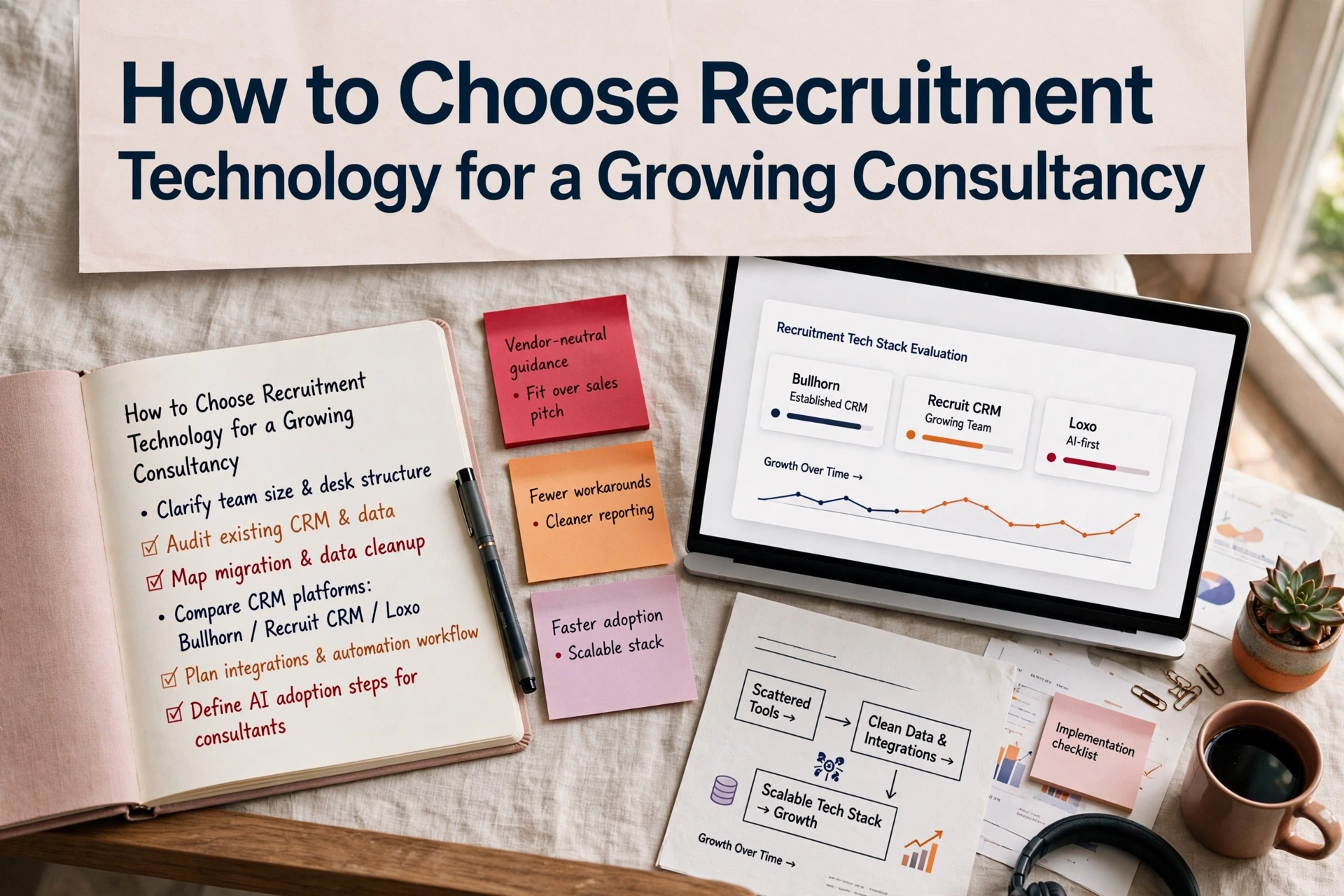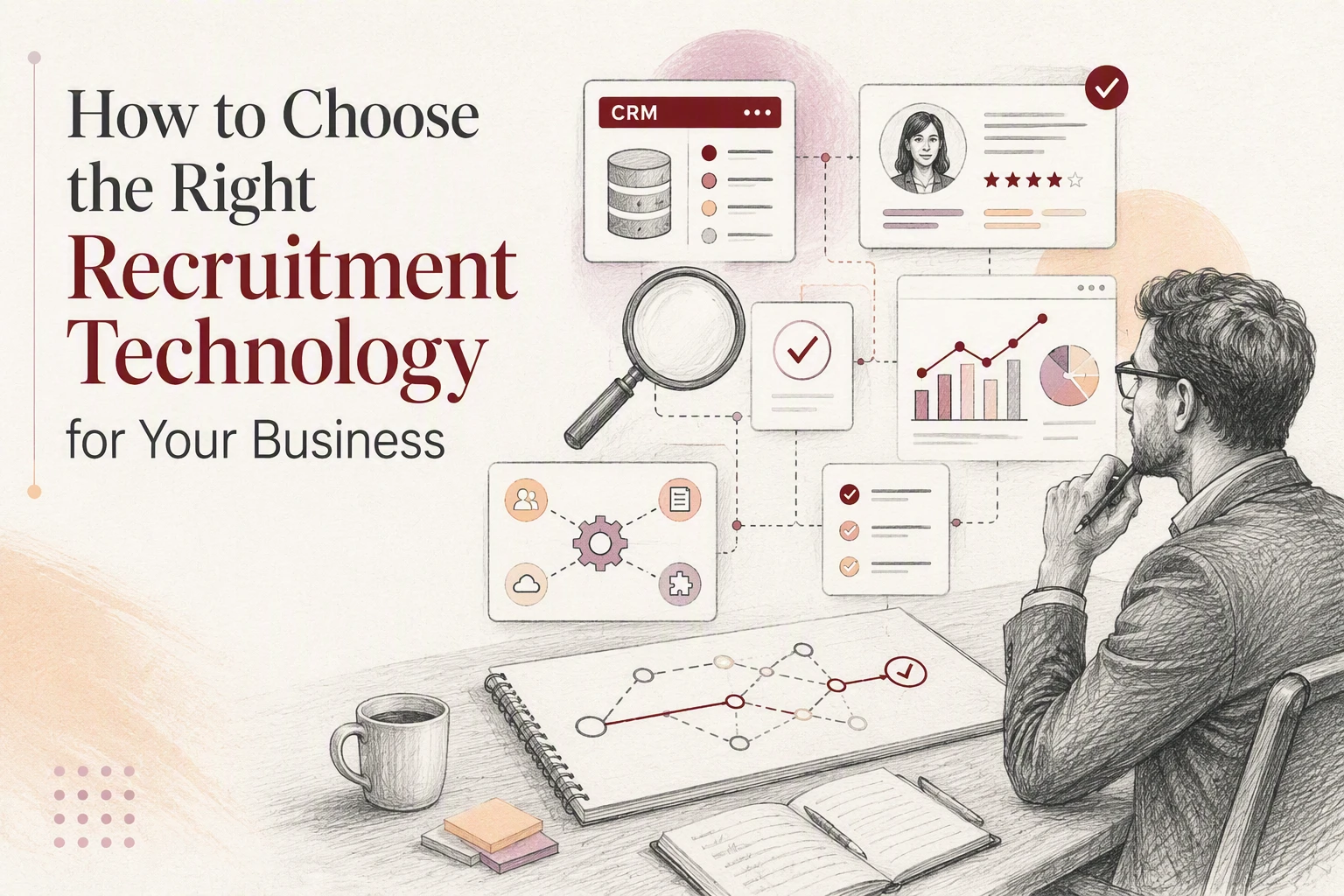
Most recruitment agencies fail to get ROI from new software not because of missing features, but because they buy for an idealised process rather than how their consultants actually bill. A firm can buy a platform with advanced search and AI tools, yet consultants will still keep client notes in email folders and candidate lists on spreadsheets. To choose recruitment technology that drives adoption, you must evaluate software against real desk workflows, data accuracy, and integration requirements before signing a contract.
Map desk workflows before looking at software
Software selection fails when leadership evaluates platforms using vendor feature matrices instead of operational reality. Start by mapping how information moves through your business on a live role, from the initial client brief to final placement and invoicing.
Identify where consultants rekey data, chase updates, or lose visibility. Pay attention to hand-offs between sales, candidate sourcing, compliance checks, and pay and bill processes.
Agencies frequently confuse applicant tracking systems with recruitment CRMs. An ATS is designed for internal corporate talent acquisition teams managing job applications for a single employer. An agency needs a commercial recruitment CRM that handles complex client relationships, candidate pools, placement history, pipeline forecasting, and billing structures. Do not buy an in-house ATS expecting it to support an agency sales desk.
When listing your functional requirements, group them by daily operational impact:
- Commercial workflow: client relationship management, job activity tracking, and fee agreements.
- Candidate delivery: CV parsing, database search, shortlisting, and interview management.
- Operations and compliance: right-to-work checks, qualification verification, and placement hand-offs to pay and bill.
How do you evaluate recruitment software against real agency processes?
Scripted vendor demonstrations are designed to show software at its best, using perfectly formatted data and simplified steps. To understand how a platform will perform in daily use, test the software with your own anonymised agency data.
Provide the vendor with a complex candidate profile, a multi-stage vacancy, and a set of placement records. Require their team to run standard operational tasks live during the evaluation.
Watch how many clicks it takes a consultant to log a call, submit a CV, or update a vacancy status. If simple actions require navigating multiple sub-menus, daily adoption will suffer once the system goes live.
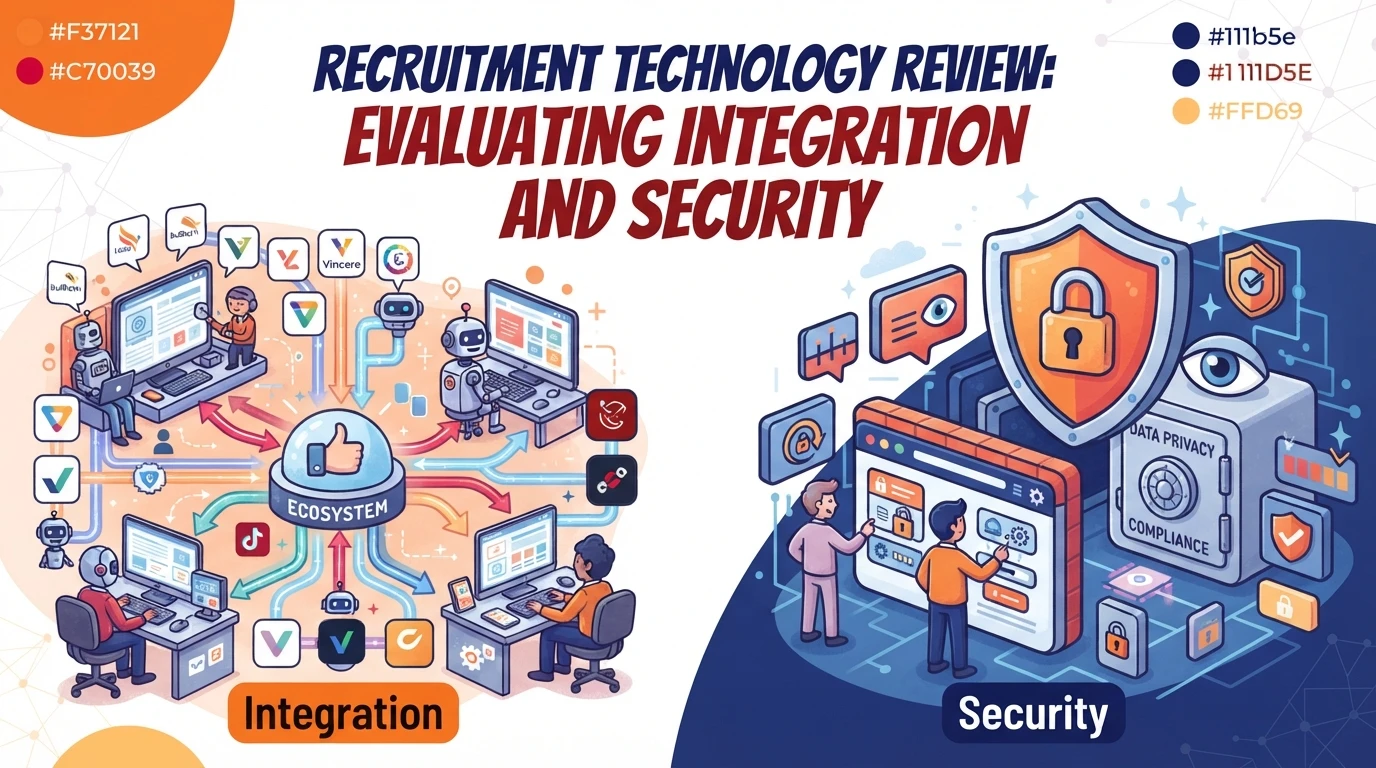
Test integration capabilities thoroughly. Your CRM must share data reliably with job multiposters, email clients, custom analytics layers, and data sources. Review technical specifications for existing API connections through Syun Consulting rec-tech consultancy services to ensure your data pipeline remains stable as software updates occur.
Verify how the system handles duplicate records during data entry and import. A platform that allows duplicate candidate files without flagging matches will corrupt your database within months.
Evaluate data governance, AI tools and vendor commitments
Data governance is a legal necessity and a core operational asset. Ask vendors where candidate data is hosted, how access permissions are managed, and how record retention policies are enforced.
Role-based access controls must allow you to restrict sensitive candidate and client data based on consultant seniority or team structure. Ensure that audit logs record who created, edited, exported, or deleted candidate files.
Treat embedded AI features as workflow support rather than automated decision-makers. AI tools excel at drafting candidate summaries, parsing raw CV text, and highlighting missing record fields. They should not replace consultant judgment in candidate shortlisting or client submission decisions.
Confirm with the vendor that your candidate data will not be used to train public AI models. The Information Commissioner's Office guidance on data protection outlines clear obligations regarding transparency and candidate rights when processing candidate information.

Calculate total cost of ownership and migration risk
The quoted software licence fee represents only a portion of your total investment. Evaluating true cost requires factoring in implementation services, data migration, user training, and ongoing operational maintenance.
Across more than 100 CRM implementations, data migration and workflow configuration consistently determine whether a rollout stays on budget. Poorly planned migrations push timeline estimates out and disrupt billing teams.
Calculate your complete commitment across these operational areas:
- Implementation and setup: scoping, custom field configuration, workflow setup, and API integration testing.
- Data migration: extracting, cleaning, deduplicating, and mapping historical candidate and client records.
- Operational downtime: lost billings while consultants attend training and adapt to new daily workflows.
- Third-party tools: recurring costs for job board connectors, SMS platforms, and specialist data enrichment services such as data intelligence service.
Establish clear contractual boundaries regarding scope changes and data export rights. If you decide to change providers in the future, your contract must guarantee access to a complete, unencrypted export of your raw data without excessive exit fees.
Practical criteria for your final decision
Select software that matches how your highest-performing consultants work today while providing the structure needed for future scale. Software that demands heavy administrative effort for basic tasks will encounter user resistance, leading to incomplete records and unreliable management reporting.
Run a controlled pilot with a small group of consultants across perm and contract desks before full rollout. Monitor job creation speed, search accuracy, duplicate rates, and reporting reliability during the trial.
Choose the recruitment technology stack that demonstrates verified workflow fit, robust data security, clear integration capabilities, and low friction for daily consultant use.