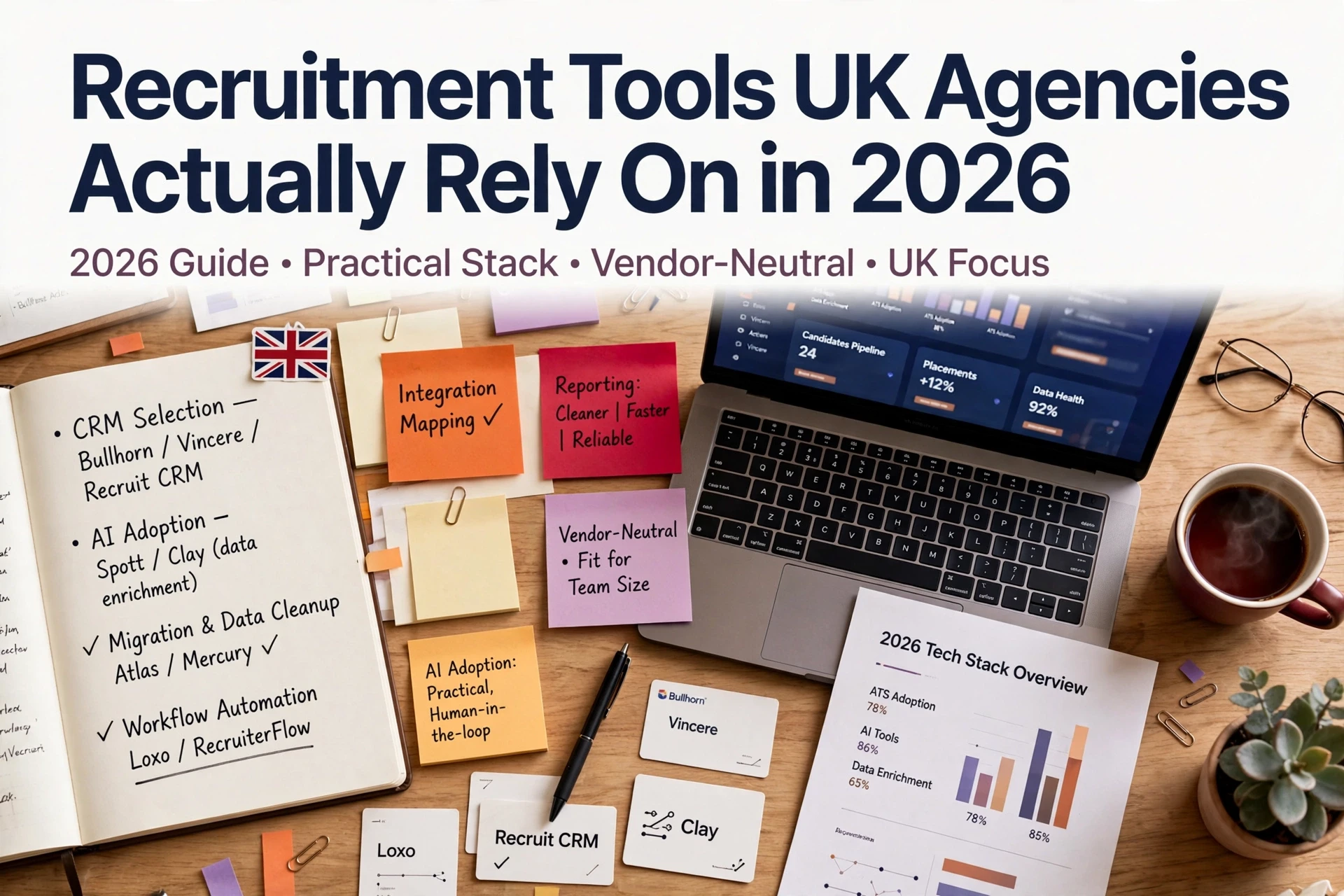
Two agencies can run the same recruitment CRM selection process and land in opposite places. One signs after a polished demo, then six months later half the team is back in spreadsheets and personal inboxes. The other spends an extra week writing down how work actually moves through their desks and asks harder questions. Same platform, completely different outcome.
The difference rarely comes down to software features. It comes down to the questions asked before anyone signs a contract. In our experience across more than 100 CRM implementations and 20 years in recruitment, selection goes well when you interrogate the demo rather than admire it. You need clear answers on how the system handles your specific workflows, what migration genuinely entails, how UK GDPR obligations are supported, and what any built-in AI tools are allowed to edit.
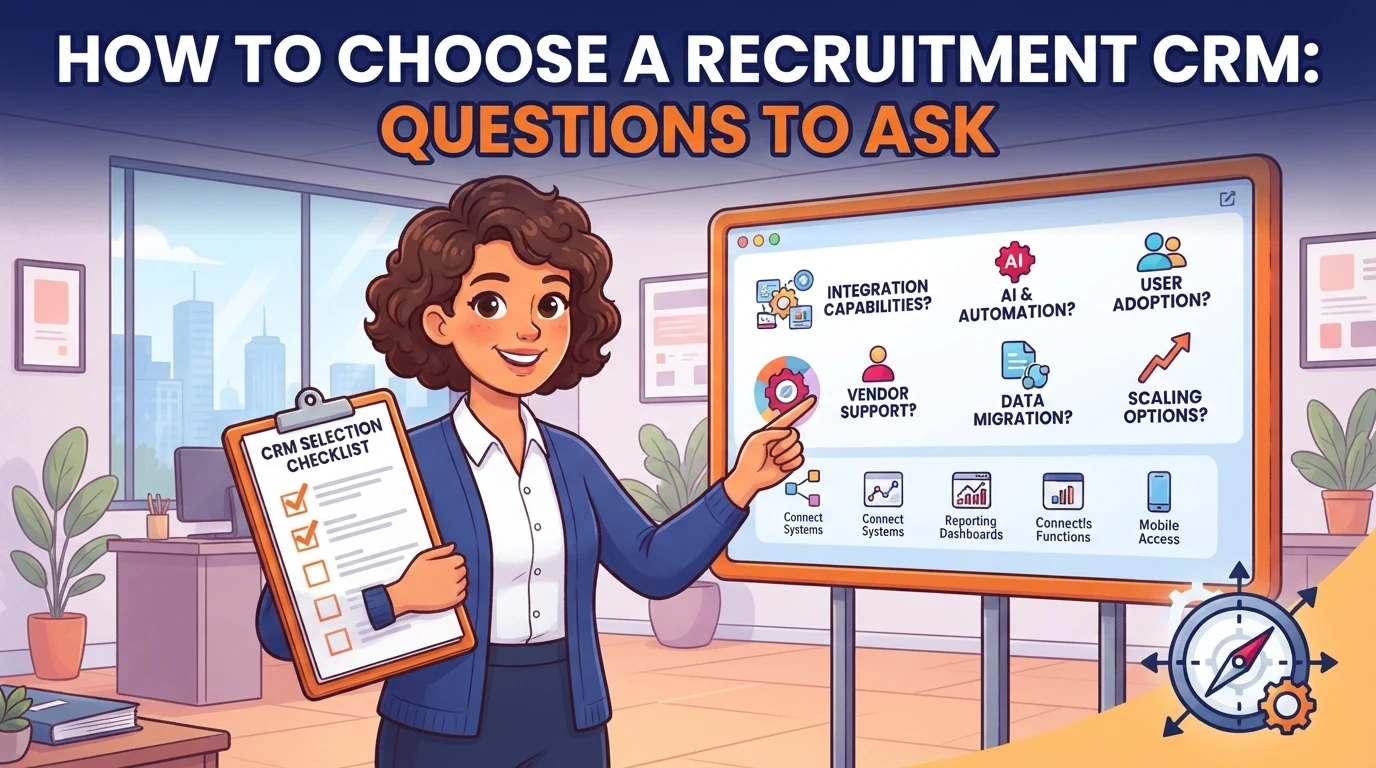
How do you choose a recruitment CRM? Start with workflow, not features
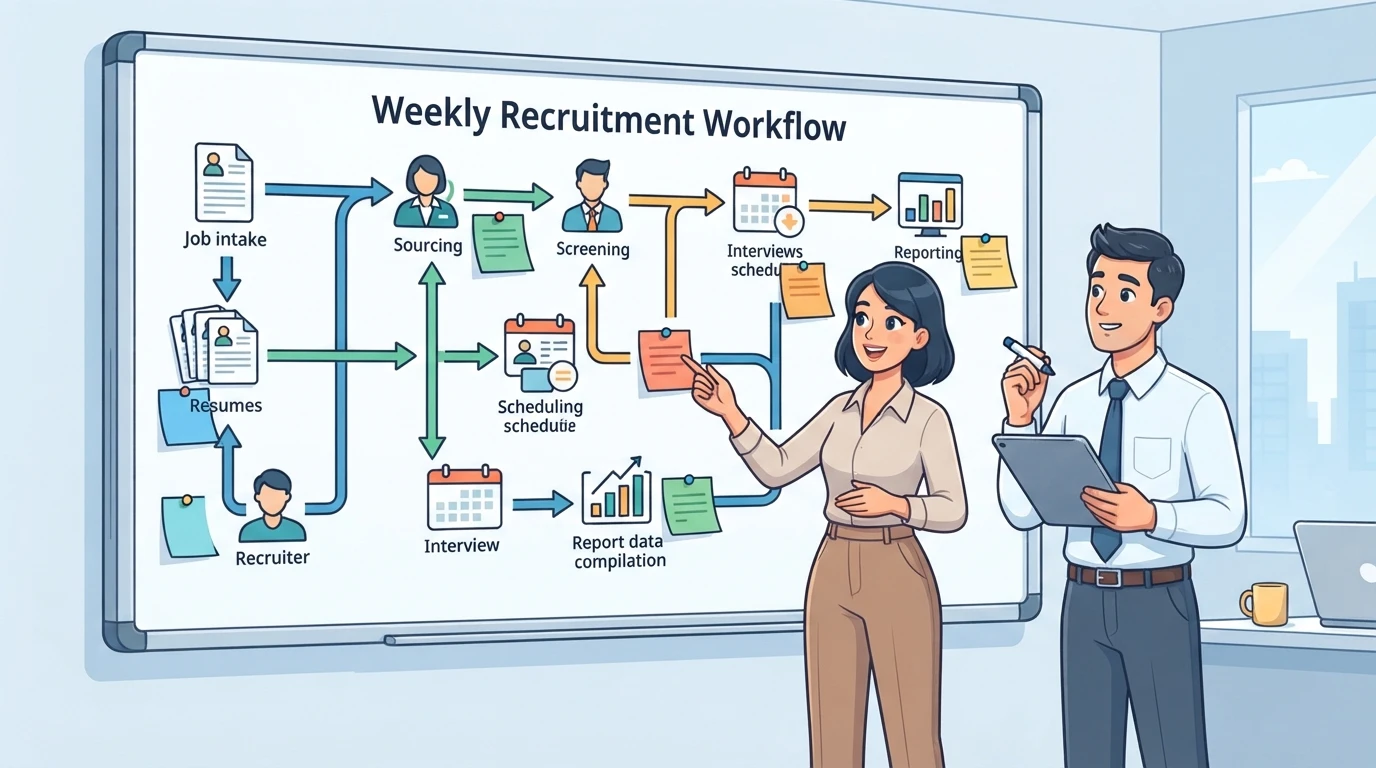
Start by mapping your current recruitment process on paper, then test platforms against that reality. Vendors build demos to showcase their smoothest pathways. Your job is to test their software against your messiest day-to-day exceptions.
Before booking a demo, answer four operational questions:
- Which administrative tasks take up most consultant time each week?
- Which client and candidate records does your team actually trust today?
- Which reports does leadership rely on to make commercial decisions?
- Which third-party tools and integrations must survive the switch?
Trace a live placement from intake to invoice
Take one recent placement and trace it end to end. Map client intake, candidate sourcing, CV submission, interview coordination, offer negotiation, compliance checks and invoicing. Note who touches each step, which system they use, and where information gets retyped or forgotten.
Most agency leaders discover that a significant portion of their pipeline lives in Outlook folders and desktop spreadsheets. That operational map forms your real evaluation criteria. It also highlights how much data migration effort you are signing up for if historical data carries over without review.
Separate core functionality from paid add-ons
Every established recruitment CRM stores candidate records, logs client communications, runs searches and tracks basic pipeline stages. Treat those functions as standard and stop awarding points for them.
What you pay for is operational fit. That includes how the platform handles your split between permanent, contract and temp desks, how it enforces right to work and compliance steps, and how easily consultants can update records without opening four separate tabs. Score vendors only against your workflow map, and your shortlist will narrow quickly.
Questions that test fit with desk habits
A recruitment CRM that looks intuitive in a sales presentation can still frustrate consultants every day. Test whether the software supports how your billers actually work.
Can it run your specific pipeline without workarounds?
Ask the vendor to configure your exact workflow on screen. Give them a realistic scenario: a client brief with specific compliance requirements, two interview rounds, and a split-fee arrangement between consultants.
A credible vendor will show your stages, approval triggers and relationship management records working together. An evasive answer sounds like "most agencies adapt to our standard pipeline". If your contract desk runs on quick turnaround times with timesheet validation while your perm desk relies on long-term client nurturing, the CRM must handle both cleanly.
Will your least technical consultant actually use it?
Put your least technical consultant in the trial environment. Ask them to add a candidate, log a phone call, attach a CV and run a Boolean search without someone coaching them through it. If they need a guide beside their keyboard to complete basic admin, user adoption will suffer.
Ask the vendor what structural measures they recommend to support adoption during the first month. Vague promises about onboarding webinars usually mean your team will be left to figure out field layouts and custom views on their own.

The most revealing software trial uses a sample of your own data and involves your everyday billers, so usability problems emerge before contracts are signed.
Questions about data structure and migration scope
Your candidate database, client contacts and placement histories represent years of agency value. Establish early who handles the data transfer, what mapping is included, and how exceptions are handled.

Who executes the migration and what is included in scope?
Clarify who manages technical extraction, field mapping and ingestion. Ask whether the work is handled by the vendor's dedicated internal team, outsourced to a partner, or left to your own staff using bulk CSV templates. For agencies managing a complex switch, running an independent CRM implementation project alongside the vendor ensures data mapping matches commercial reporting needs.
Request a detailed statement of work that specifies which fields migrate, how custom tags transfer, and what happens to historical email logs and attachments. Ask for a test migration of a small record sample. Reviewing how your actual data looks inside the new interface tells you whether the proposed field mapping works.
How are duplicate records and inconsistent tags handled?
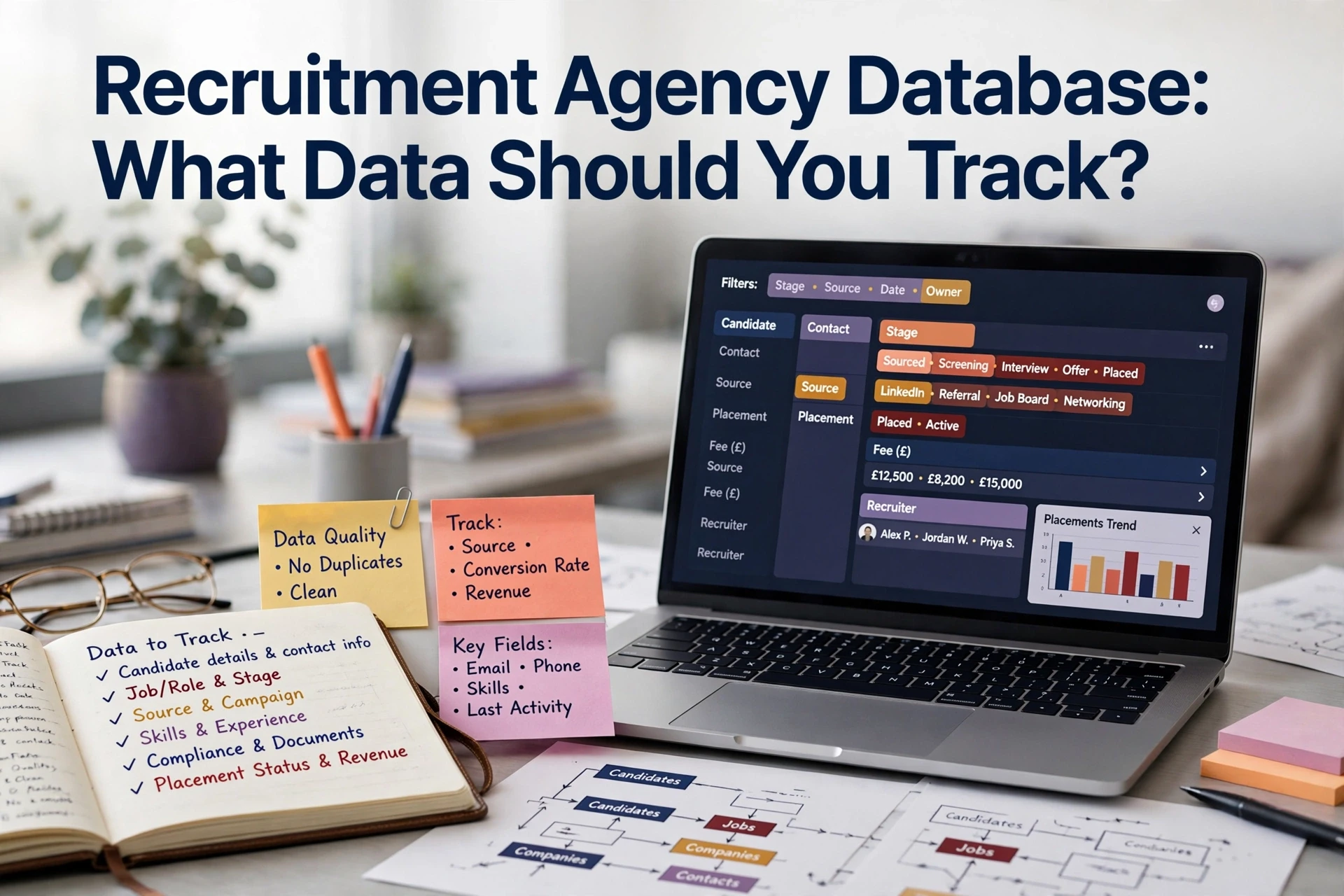
Duplicate contacts, stale records and free-text job titles exist in every recruitment database. Ask the vendor what deduplication logic operates during import and whether the system merges records automatically or flags them for review.
Avoid automated merges that combine records without an audit trail. A sensible approach flags duplicate records for internal staff to inspect. You do not need every historical record complete, but you do need accurate contact details, correct candidate ownership and reliable placement history.
Questions about UK compliance and data protection
Your CRM can provide configuration tools to support data protection duties, but it cannot make your business compliant on its own.
Which compliance controls exist within standard settings?
Consent tracking, legitimate interest logs, document retention periods and subject access request processes must be configurable inside the system. Ask vendors to demonstrate their retention rule configuration and how their export utility compiles a subject access request dossier within required deadlines.
The ICO guidance on recruitment and selection sets out the standards an agency must satisfy. A weak answer from a sales representative is "our software is fully GDPR compliant". Software cannot be compliant by itself; it can only provide settings that allow your agency to operate within the law.
Who carries liability when data processing fails?
Under UK GDPR, your recruitment agency acts as the data controller. You determine why candidate data is processed and remain accountable for it. The software provider is a data processor acting on your documented instructions.
The ICO confirms that controllers carry the compliance obligation and must demonstrate adherence. Ensure the vendor provides a standard UK data processing agreement, specifies where databases are hosted, and commits to explicit security breach notification timelines.
Questions that separate practical automation from AI hype
Recruitment CRM systems increasingly bundle automated features under broad AI branding. The critical distinction lies between tools that draft information and tools that alter records.
Does the system draft text or take automated actions?
Establish whether the feature simply summarises call notes and drafts outreach, or autonomously updates stages, tags candidate records and amends client fields. Summarisation and drafting keep the consultant in control. Automated editing introduces real risk to your data integrity.
Ask whether the software writes changes directly to candidate or client records without consultant confirmation. If an algorithm re-scores candidates or updates candidate availability without oversight, bad data spreads quickly. We examine this boundary between rules-based systems and autonomous tools in our guide to AI versus automation in recruitment.
Can you audit and reverse automated updates?
If an automated feature updates records, you need two controls: a mandatory human approval step and a clear audit log. Ask the vendor to show you the change history for a record altered by an automated workflow, including how a consultant reverts the update if the output is incorrect.
Statements about high algorithmic accuracy are not a substitute for an undo function and an activity trail. Because your agency carries compliance accountability, knowing who or what changed a record matters as much as the feature itself.
Questions about commercial terms, total cost and exit
Subscription fees represent only one part of the total investment required to replace your recruitment CRM.
What is the total annual cost including renewals?
Require vendors to provide an itemised breakdown across the entire contract term:
- Core user licences, noting any mandatory minimum seat commitments
- Technical setup, data extraction, mapping and migration charges
- Mandatory add-ons, including email synchronisation, portal access and SMS credits
- Storage limits and API call thresholds that trigger extra fees
- Commercial terms and price indexation caps at contract renewal
To understand how scope and integrations influence initial budgets, read our breakdown of the cost and timeline of a recruitment CRM implementation.
How does support operate and what happens if you leave?
Clarify where technical support is based, what service level agreements cover system outages, and what escalation route exists when critical workflows fail. Request references from two agencies of comparable size and desk specialism, and speak to them directly about response times.
Examine exit terms before signing. Confirm that you can export all your data, including notes, CV documents and activity timestamps, in standard flat formats without punitive fees. A supplier who restricts your ability to export your own records creates unacceptable vendor lock-in.
What to decide before booking vendor demos
Before you invite suppliers to demonstrate their platforms, establish your dealbreakers internally. Decide which three business workflows must be fully supported on screen, who will lead data validation, and what your hard ceiling is for annual software spend. When you control the evaluation criteria, the software has to prove its value on your terms.
Frequently asked questions
How do I choose a recruitment CRM?
Start by documenting how your consultants actually manage placements, then test platforms against your real workflow rather than standard vendor scripts. Interrogate pipeline fit across both permanent and contract desks, demand written migration scopes, inspect UK GDPR configuration settings, review AI permissions, and confirm all-in costs before signing.
What does a recruitment CRM cost in total?
The total cost includes user licences, minimum seat commitments, setup fees, data migration costs, add-ons such as job board posting or messaging credits, and internal administrative time. Ask vendors for a written breakdown covering all five areas, alongside clear terms governing price increases at contract renewal.
Do recruitment agencies need AI in their CRM?
Not necessarily. AI features that draft outreach or summarise consultant calls save time while leaving control with the biller. However, automated features that edit candidate records, change pipeline stages or score applications without human sign-off introduce data integrity and compliance risks that require strict approval steps.
How should an agency test a CRM before signing?
Request a trial environment loaded with a small sample of your agency's actual records. Ask your least technical biller to complete everyday tasks, such as creating a candidate record, logging client notes and running candidate searches, without external guidance to see whether the interface supports adoption.