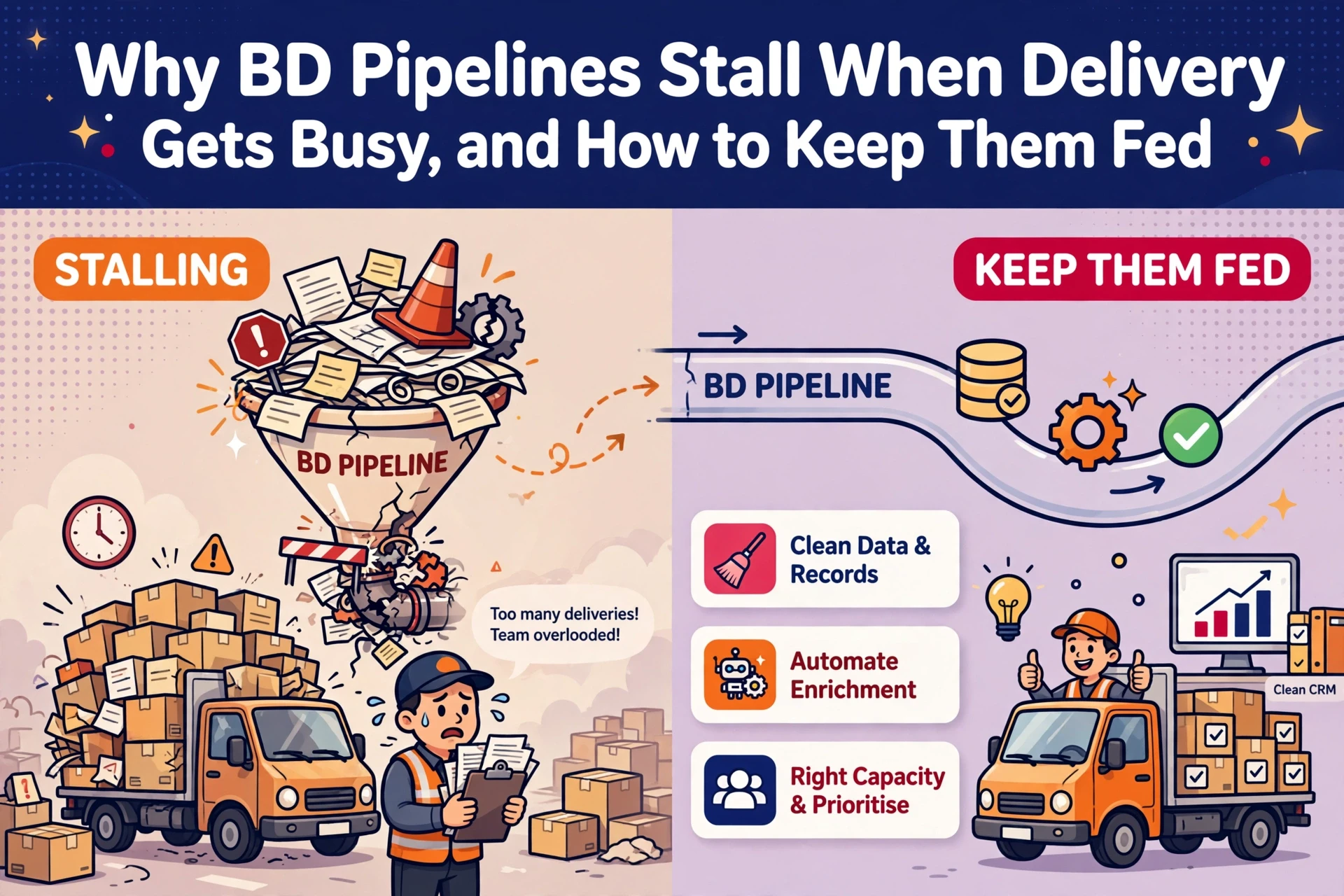
Business development inside a recruitment agency fails when delivery gets busy. Two urgent roles land, Friday research stops, and target accounts go cold within a month. Automating research, account scoring and hiring signals keeps prospecting active while consultants focus on conversations. The secret is drawing a strict boundary between machine work and human trust.
With 20 years in recruitment technology, we see agencies waste hours on manual research when simple workflows could automate the task. The goal of recruitment business development automation is to protect client relationships, not replace them.
Draw the line between machine research and human relationship
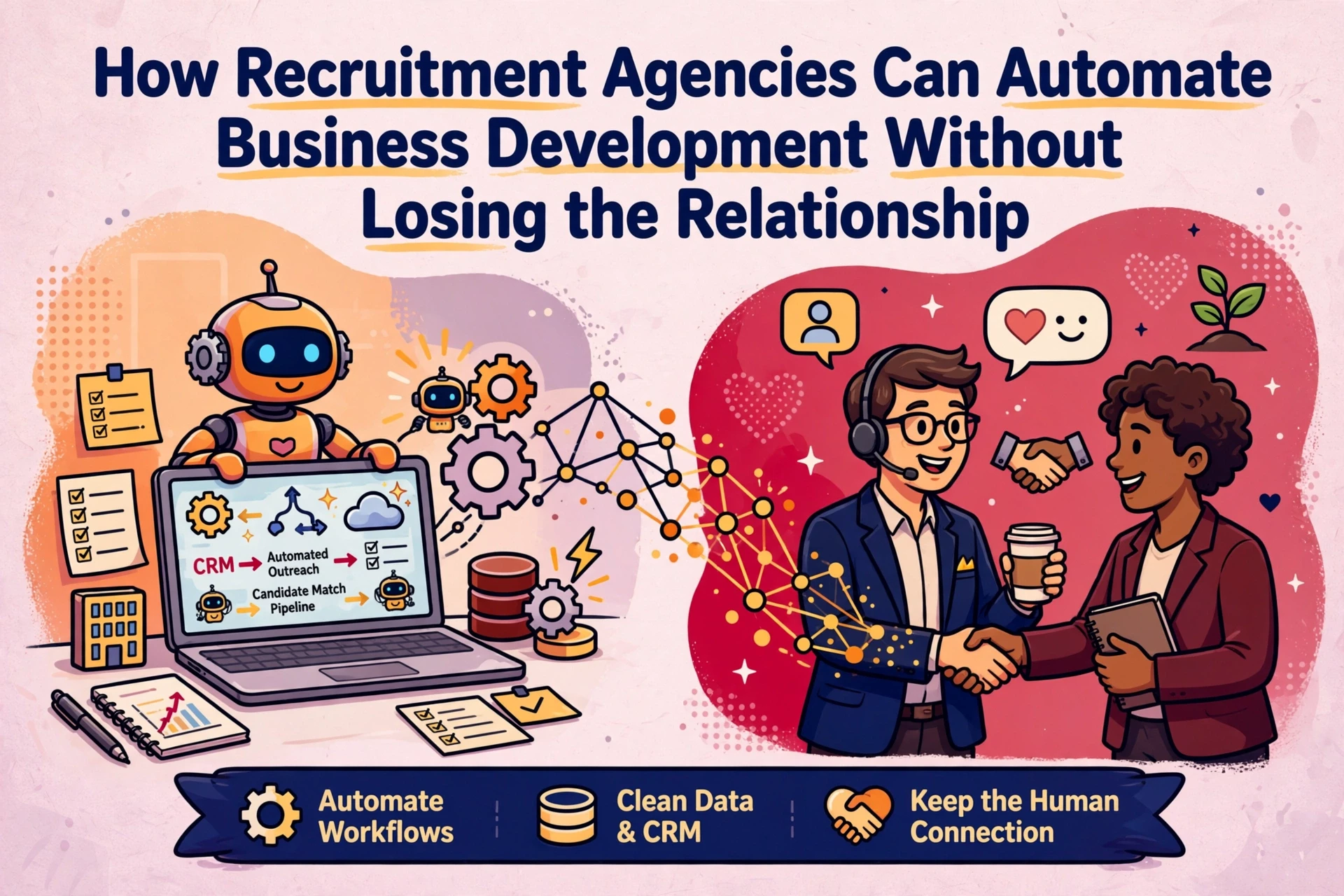
Recruitment business development automation works best when you split the process cleanly. The machine conducts the research, while the consultant leads the conversation.
The practical split covers four automated tasks:
- Score target accounts by revenue potential, headcount and hiring activity.
- Watch for job moves, funding rounds and leadership changes.
- Pull conversation openers from public reports and company news.
- Log every output into the CRM your team already uses.
What the system takes off the consultant's desk
Reading annual reports, tracking Companies House filings and scanning job boards are machine tasks. Tools such as Clay or similar enrichment software can build and refresh target lists overnight. None of this requires commercial intuition, so none of it should consume a consultant's afternoon.
What the consultant still owns
The phone call, the email, the meeting and the follow-up stay human. Automation hands over a concise brief rather than a templated pitch. The consultant decides who to contact, when to reach out and what to say.
Why relationships cannot be automated
Hiring decisions depend on trust, and trust requires human consistency. No workflow can build a professional relationship. If you are reviewing how to automate recruitment workflows without losing human judgement, keep this boundary firm: research can be automated, relationships cannot.

Score target accounts to focus consultant effort
Account scoring determines which businesses receive outreach from your desk. Scoring target accounts prevents consultants from chasing cold prospects or spending time on low-margin work.
Score every target account across four inputs:
- Revenue potential: fee value of a placed role and annual hiring spend.
- Headcount: current team size and projected growth over the next 12 months.
- Growth signals: funding rounds, office expansions and executive leadership changes.
- Hiring activity: live job vacancies, recent placements and average time to hire.

Four inputs that drive account scoring
Weight these inputs before scoring your target list. A 400-person logistics firm might offer fewer fee opportunities than a 40-person tech firm hiring six engineers this quarter. Simple weighted scoring works because sales automation only needs to rank accounts by priority. Re-score accounts monthly so your target list reflects market shifts.
Turning scores into active tiers
Organise accounts into three tiers. Tier one receives consultant outreach this week. Tier two sits on a watchlist for growth signals. Tier three remains uncontacted until signals change. Automated scoring keeps lists accurate without requiring weekly spreadsheet admin. The output should land straight in your CRM so billers never need to rebuild target lists manually.
Where the data comes from
Start with the records already inside your CRM, alongside public filings and annual reports. Third-party tools can pull headcount figures, funding news and vacancy data directly into the account score. For agencies reviewing their recruitment automation stack, keeping data sources structured ensures reliable scoring output.
Build watchlists for job moves, funding and leadership shifts
A watchlist turns a static database into a feed of commercial triggers. Signal-based prospecting works because timing matters more than message volume. A cold outreach email lands better during the week a business announces an expansion.

Key signals to monitor include:
- Job moves: a new director hire often signals upcoming team expansion.
- Funding rounds: capital raises convert into headcount growth within months.
- Leadership changes: new executives review existing supplier agreements.
- New entities: Companies House incorporations highlight emerging businesses.
- Vacancy tracking: active job postings confirm live hiring demand.
What individual signals indicate
Each signal reveals a different commercial need. Funding shows budget availability. Job postings confirm immediate demand. A leadership change indicates that existing agency relationships are open to review. Combining signals yields better results: a funding announcement paired with three senior vacancies represents a clear opening for a cold call.
Running automated watchlists
Configure watchlists once and let automated rules handle monitoring. Tools such as Clay or automated web scrapers monitor target lists against public sources daily. Large language models like Claude can summarise company updates into short briefing notes. Results should push straight to CRM account records or team channels. This is where reliable, structured data intelligence earns its keep.
Keeping signal noise low
Monitoring too many events creates notification fatigue. Filter triggers strictly by focusing only on scored target accounts. Set minimum thresholds, such as funding above £1m or roles matching your core desk specialisms. Turn off alerts that do not lead to direct action. Ten verified flags per week generate more fee income than 50 unvetted alerts.
Turn public data into checkable conversation starters
Useful conversation starters rely on verifiable facts rather than generic sales scripts. The automated system extracts relevant facts, while the consultant frames the conversation.
Finding usable facts in official filings
Valuable background information sits in public records. Companies House provides financial accounts, filing histories and director appointments for UK businesses. Annual reports detail operational expansion and hiring targets. Press releases and job adverts reveal specific skill requirements. Language models can extract three relevant facts per target account in seconds, giving consultants immediate context before making a call.
Converting research into direct openers
Raw data is not an opener. Stating that a firm filed annual accounts offers no value. A consultant framing that fact around expansion, such as asking how a new regional office will be staffed, creates a commercial discussion. Automation prepares the research note, but the consultant writes the message. This balance shows why keeping a human in automated recruitment workflows pays off.
Why every claim requires verification
An incorrect claim damages credibility immediately. Every automated note must link back to a public source, such as an official filing or published article. Storing source links alongside research notes allows consultants to check details before contacting a prospect.
Route outreach metrics and research directly into the CRM
Measuring outreach as a structured channel
Agency activity tracking often stops at logging sent messages. Effective business development tracking logs every touchpoint in the CRM, tagged to the trigger signal that prompted the reachout. Comparing response rates across signal types reveals which watchlist alerts convert into client meetings. Agencies can then adjust their watchlists to focus on high-converting triggers.
Designing workflow alerts for desk adoption
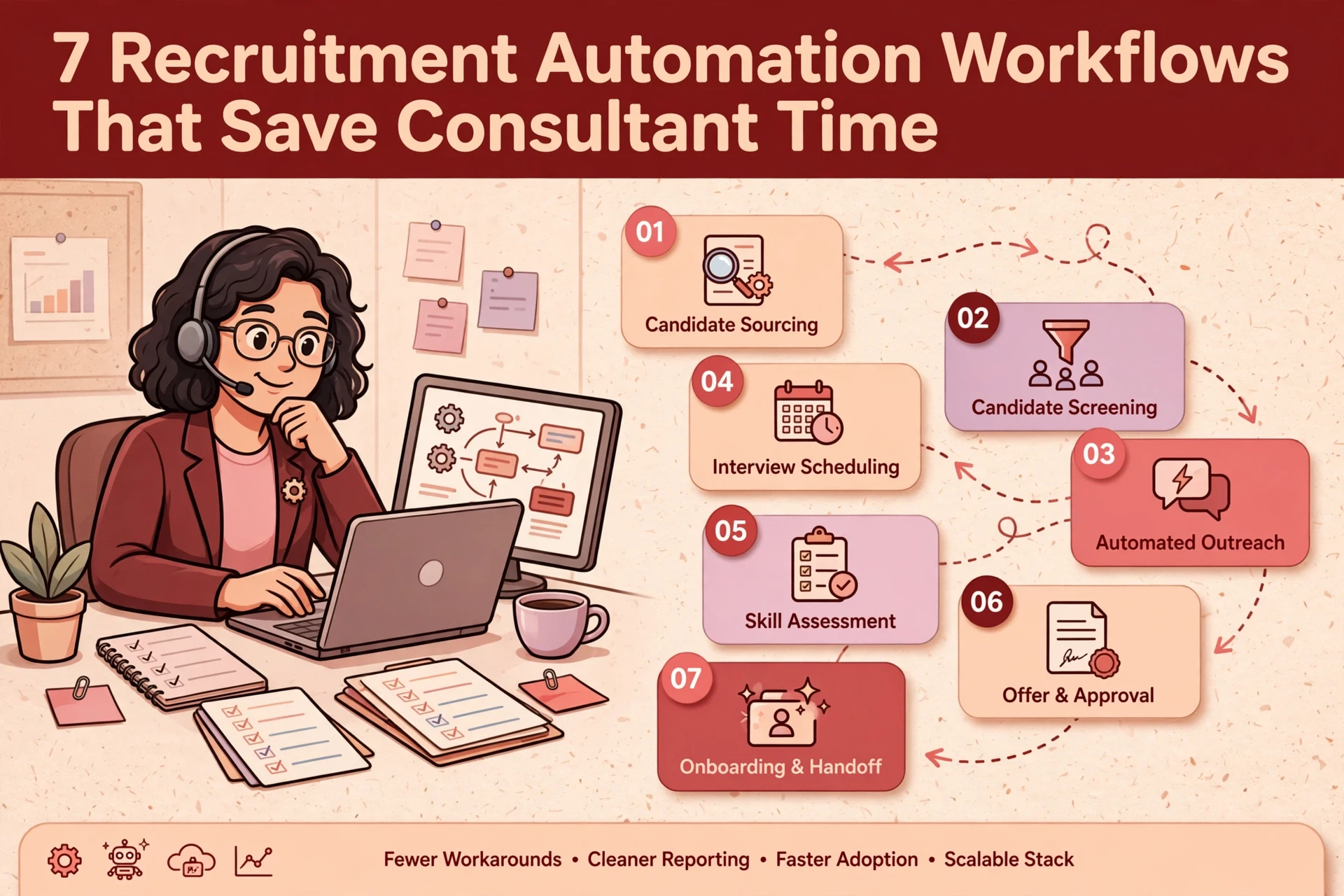
Automated research fails if output lands in places consultants ignore. Route alerts into existing daily tools: CRM account records, internal messaging channels or daily email summaries. Keep record structures simple: one trigger signal, one suggested talking point and one verified contact. Complex navigation reduces user adoption, which is where CRM rollout projects often encounter friction. The same principle runs through recruitment automation workflows that save consultant time.
Building the research stack around current systems
Start by optimising the systems you already own. Most modern recruitment CRMs support automated task creation and record tagging. Dedicated enrichment tools like Clay or language models like Claude can supply data enrichment and summarisation where required. For workflow designed and built around your existing tech stack, an independent review ensures systems connect cleanly without adding unnecessary software costs.
Next steps for building a BD automation engine
Automating business development research protects consultant time while maintaining outreach consistency. When automated workflows manage account scoring, signal tracking and background research, consultants shift from manual searching to active commercial calls.
The core approach rests on clear boundaries:
- Workflows handle account scoring, watchlist tracking and factual research.
- Consultants manage prospect contact, relationship building and negotiation.
- Outputs land directly in existing CRM records and daily communication tools.
Start with your existing CRM software and test the workflow on 20 target accounts. Evaluate reply rates after 30 days before extending signal tracking across remaining desks.
If manual research routinely interrupts your agency's business development, Syun Consulting can help design and build automated BD workflows tailored to your tech stack.
Frequently asked questions
How can a recruitment agency automate business development?
Divide BD tasks by function. Let automated workflows score accounts, monitor hiring triggers and compile background briefs directly inside your CRM. Your consultants handle prospect outreach, discovery calls and relationship management.
Will business development automation replace recruitment consultants?
No. Client acquisition in agency recruitment relies on personal trust and commercial understanding. Automation removes manual research and list building from the consultant's workload, supplying structured context for high-value client conversations.
Which tools are required to automate recruitment BD?
Start with your current recruitment CRM. Most agency CRMs support custom fields and automated task assignment. You can add enrichment platforms like Clay or AI models like Claude to handle company filings, signal tracking and research summaries.
How do you prevent signal noise in automated BD watchlists?
Filter watchlists against pre-scored target accounts rather than entire market databases. Set strict parameters for alerts, such as funding thresholds above £1m or specific desk skill sets, and remove any signal trigger that does not lead to direct outreach.