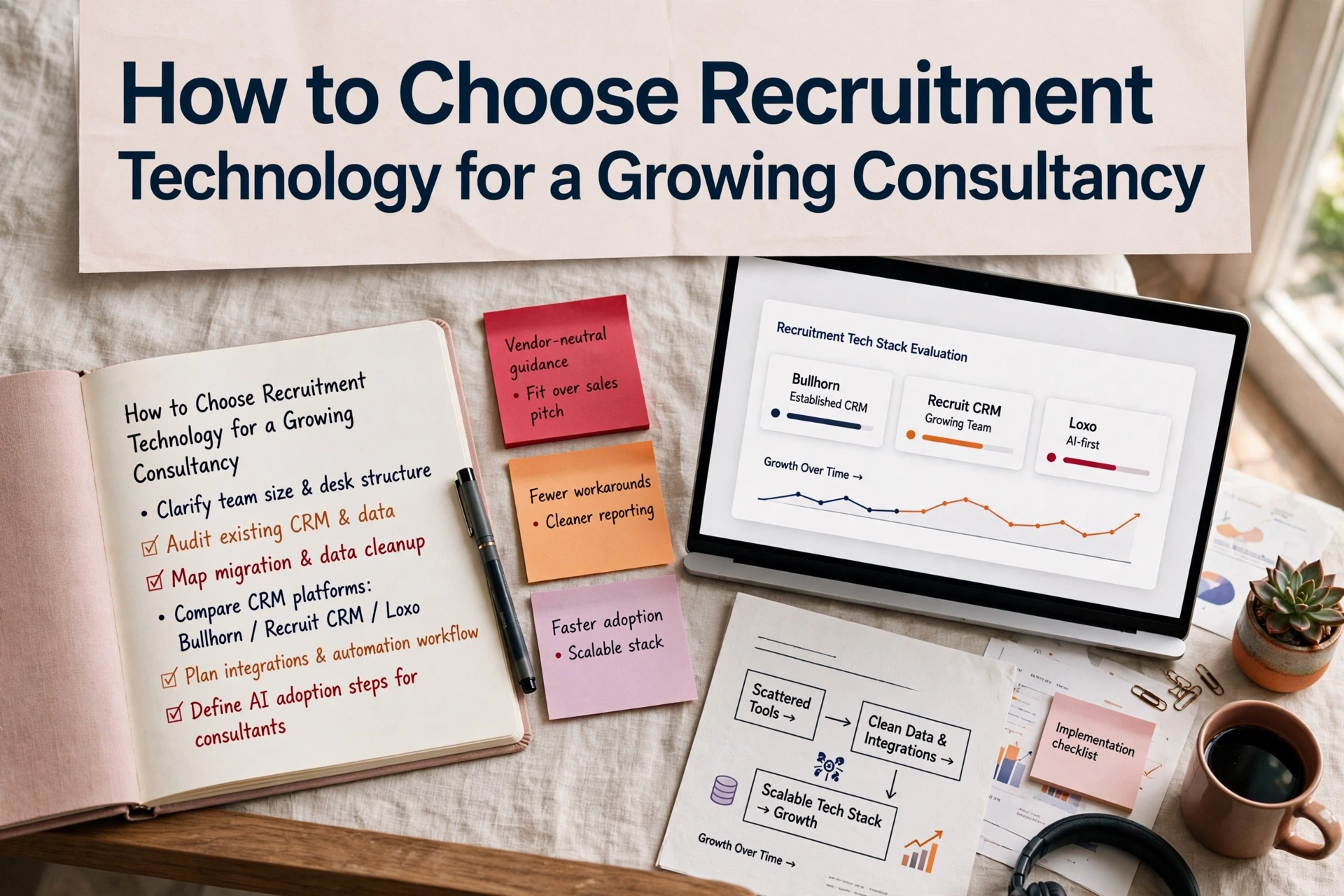
A candidate search demo always looks impressive when the vendor controls the dataset. In practice, generic recruitment CRM demos obscure real desk friction like duplicate record creation, broken compliance hand-offs and unworkable pipeline views. Agency leaders who buy software based on vendor scripts end up with expensive platforms that consultants quietly bypass. Selecting the right CRM requires testing systems against live desk conditions before signing a contract.
Matching platform strengths to your agency operating model
We evaluate recruitment software across distinct operational profiles rather than comparing generic feature lists. The table below outlines how common platforms position themselves against specific desk requirements.
| Platform | Strong fit in practice | Key trade-off |
|---|---|---|
| Bullhorn | Larger agencies requiring enterprise scale, complex permissions and an established integration ecosystem | Requires structured governance and ongoing process ownership to prevent database bloat |
| Vincere | Agencies running perm, temp and contract desks within a unified operational framework | System configuration demands disciplined desk habits from consultants |
| Loxo | Lean search teams seeking built-in candidate sourcing and outreach alongside core pipeline tools | Requires thorough testing of UK candidate data coverage and workflow alignment |
| Recruit CRM | Growing agencies needing flexible automations, clean pipeline stages and fast setup | Reporting depth must be evaluated early if scaling complex multi-branch teams |
When evaluating platforms, focus on how easily consultants can log activity and maintain candidate records. An overly rigid system encourages off-system notes, while an under-governed database quickly degrades with duplicate profiles and missing contact details.
How to run a live workflow stress test
Standard vendor demonstrations follow a pre-scripted path using clean, pre-loaded data. To understand how a CRM will perform on your desk, hand the demonstrator an anonymised live brief, a duplicate candidate record and a client contact with partial history.
Ask the demonstrator to complete four practical tasks without leaving the screen workflow:
- Create a job, search the existing database and demonstrate how the system flags duplicate records.
- Submit a candidate shortlist, log client feedback and progress a candidate through compliance checks.
- Show record ownership rules, automated activity alerts and how management identifies stalled vacancies.
- Update a candidate field and show how that change updates live pipeline reporting.
| Operational test | Ideal outcome | Red flag |
|---|---|---|
| Data entry | Minimal required fields with automatic record enrichment | Consultants rely on external spreadsheets for daily tracking |
| Candidate search | Relevant internal records surfaced through simple parameters | Search relies on perfect historical data entry |
| Pipeline reporting | Revenue forecasts reflect live candidate status automatically | Managers spend hours manually cleaning report outputs |
| Role permissions | Access levels mirror branch and consultant hierarchies | Sensitive client or candidate data is broadly accessible |
When conducting these tests, use anonymised data. The Information Commissioner's Office sets clear expectations around data protection principles in its data minimisation guidance.
Have two experienced consultants navigate routine tasks in the test environment. If basic steps require vendor assistance during the trial, user adoption will suffer post-launch.
Weighing platform automation against operational risks
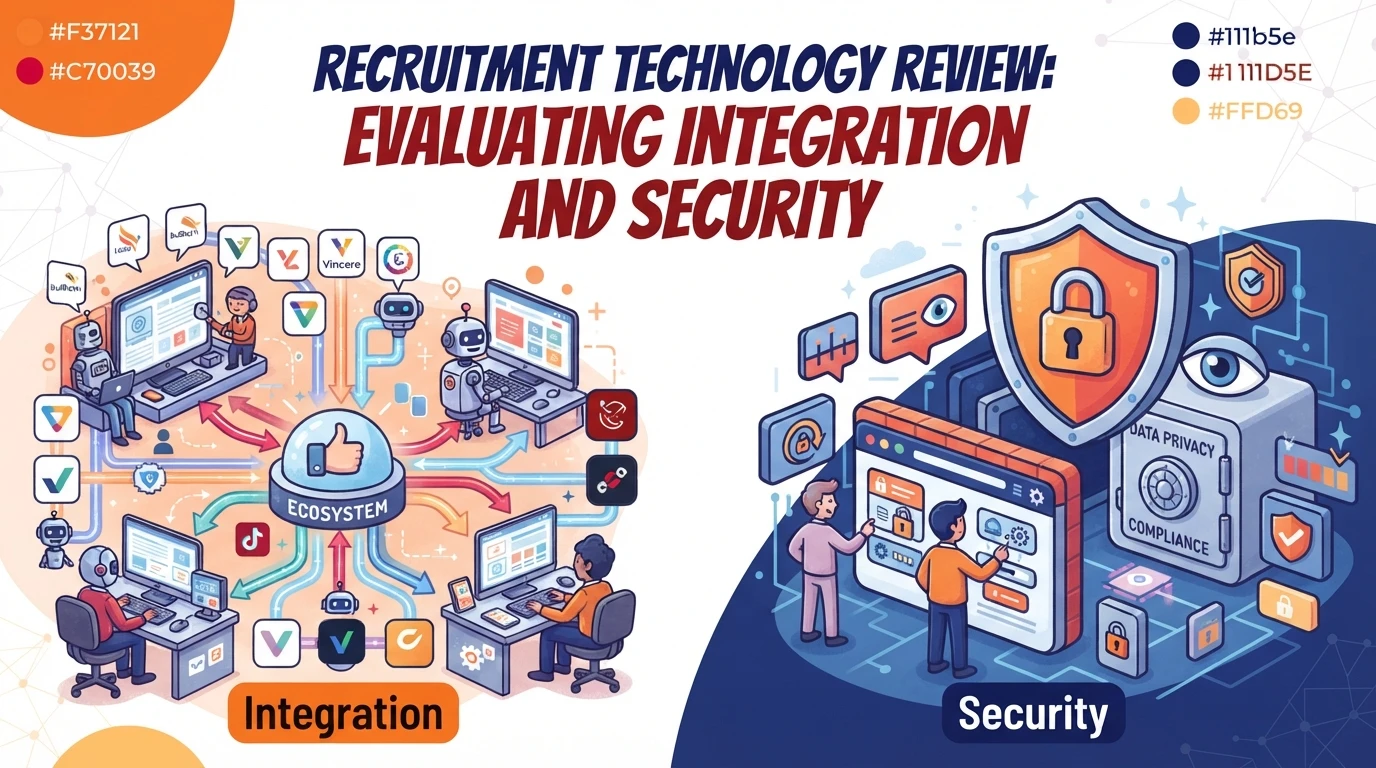
Modern CRM platforms offer deeper automation and built-in AI tools, but additional capability increases system complexity.
| Advantage | Operational trade-off |
|---|---|
| Automated record enrichment and outreach | Risk of candidate data fragmentation if workflows are uncoordinated |
| AI-generated candidate summaries | Outputs require mandatory human review to maintain placement quality |
| Customisable stage workflows | Complex setups can slow down consultant ramp-up time |
Automated screening and candidate scoring can accelerate shortlisting, but agency leaders must ensure governance remains intact. The UK government outlines clear considerations regarding fairness and transparency in its responsible AI guidance.
How to make a defensible CRM selection
Select the platform that enforces data quality while staying simple enough for consultants to use daily. Before committing to a contract, review your agency's broader recruitment technology strategy to ensure the system aligns with your pay and bill, job parsing and analytics tools.
A successful platform change relies on rigorous pre-selection testing rather than post-launch fixes. When planning a CRM migration and implementation, verifying reporting accuracy and data ownership early prevents costly operational delays later. You can explore further advice on software evaluation across our recruitment technology insights.
Setting your software evaluation criteria
Start by listing your non-negotiable operational requirements, covering contract desk support, compliance checks and reporting structures. Audit your existing database to determine how much historical record cleanup is required before migration. Finally, mandate a live workflow test with shortlist candidates before accepting any vendor proposals.