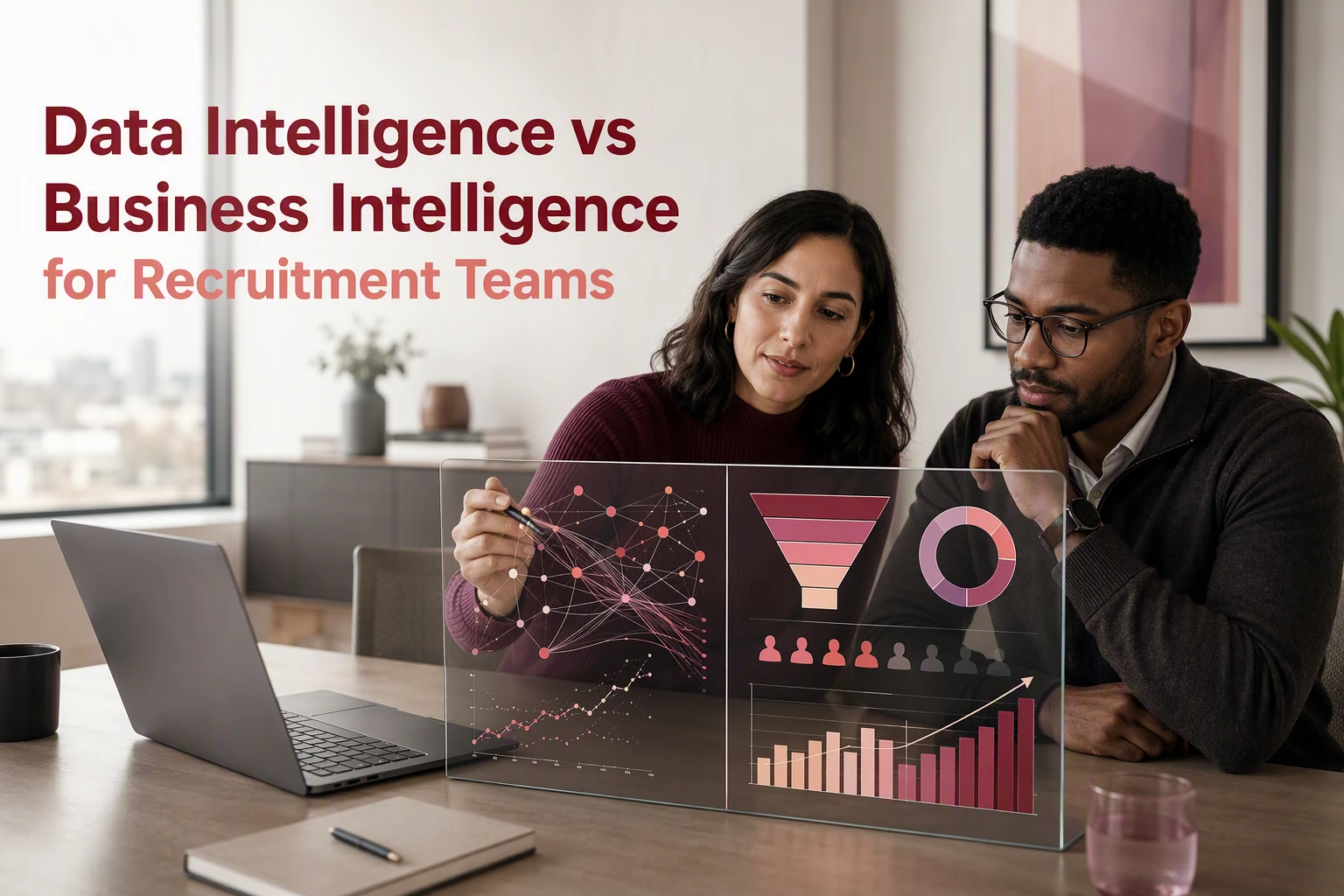
A reporting dashboard can show active jobs, placements and fee forecasts, yet still leave directors asking whether they can trust the numbers. Business intelligence explains what happened commercially across your desks. Data intelligence checks whether the underlying records are accurate, complete and fit for use.
Many recruitment leaders invest in reporting tools to understand why desk performance is lagging, only to find that different reports contradict each other. The issue is rarely the dashboard itself. It is the quality and consistency of the data fed into it.
Understanding the distinction between data intelligence and business intelligence helps agency leaders decide where to invest first, particularly when planning CRM cleanup or AI adoption.
The difference between reporting performance and verifying data
Business intelligence (BI) focuses on commercial performance. It takes structured operational data from your CRM and turns it into management reports, activity targets and revenue forecasts. It answers questions about desk output, candidate submission ratios and client concentration.

Data intelligence examines the health of the data estate itself. It checks field completeness, flags duplicate candidate profiles, tracks record ownership and verifies whether information is current. It ensures that the numbers driving your commercial reports reflect reality.
| Feature | Data intelligence | Business intelligence |
|---|---|---|
| Primary focus | Data accuracy, lineage and completeness | Desk performance and commercial outcomes |
| Core question | Can we trust this record and where did it come from? | What were our billings and conversion rates last month? |
| Primary sources | CRM records, external market data and workflow logs | Structured CRM activity, jobs and fee data |
| Key outputs | Field standards, duplicate flags and verified records | Management dashboards, KPI reports and fee forecasts |
| Main risk | Focuses on data structure without driving commercial action | Visualises poor data, creating polished but misleading reports |
Why polished dashboards fail on messy CRM records
A business intelligence dashboard is a scorecard. If consultants skip key fields, log placements under inconsistent job stages or leave duplicate client accounts across sectors, the scorecard visualises bad inputs.
Running management meetings on inaccurate reports leads to poor decisions. An agency director might assume candidate sourcing is failing because pipeline numbers look low, when consultants are simply keeping job records in personal spreadsheets or free-text notes.
The GOV.UK data quality framework defines data quality as fitness for purpose rather than simple cleanup. In a recruitment agency, records are fit for purpose only when every desk uses the same definitions for active candidates, open jobs and placement stages.
When reporting fails, building another dashboard rarely solves the problem. The baseline data must be verified first.
Where each approach creates value for recruitment agencies
Business intelligence for operational management
Business intelligence works best when leadership needs visibility over established workflows. When CRM data is consistent, BI allows directors to manage performance without hunting through individual records.

- Track fee projections against quarterly targets across perm and contract desks.
- Identify where active jobs stall between CV submission and first interview.
- Monitor client concentration to avoid over-reliance on a small group of accounts.
- Compare consultant activity levels with actual placements to highlight coaching needs.
BI provides the operational rhythm for weekly sales reviews and board reporting.
Data intelligence for strategic growth and AI readiness
Data intelligence adds context to operational records. It connects internal CRM profiles with external market signals, job board trends and enrichment tools.
- Identify dormant client accounts that match your current ideal customer profile.
- Merge duplicate candidate records created across different recruitment desks.
- Clean contact fields and check lawful basis before launching automated outreach.
- Prepare unstructured CRM records so AI tools can parse skills and work histories accurately.
Agencies preparing for automation or platform migration often use data intelligence workstreams to establish clear data standards. For specialized market data enrichment, services like data intelligence service help agencies evaluate external datasets before plugging them into client workflows.
Regulatory guidance also reinforces this discipline. The ICO guidance on data protection principles requires recruitment businesses to take reasonable steps to ensure candidate and client personal data remains accurate and up to date.
Choosing the right starting point for your agency
Deciding whether to begin with business intelligence or data intelligence depends on the current state of your CRM and the confidence leaders have in existing reports.
Start with business intelligence when foundations are stable
Begin with BI dashboards if your agency meets these conditions:
- Consultants update job stages and candidate statuses consistently.
- Field definitions for placement fees, margins and deal stages are agreed across desks.
- Your primary challenge is lack of executive oversight rather than conflicting data.
In this scenario, setting up clear reporting views brings immediate commercial value by highlighting top-performing desks and deal bottlenecks.
Start with data intelligence when report trust is broken
Begin with data intelligence if your business faces these indicators:
- Directors spend management meetings debating whether report numbers are real.
- Key information sits in unstructured note fields rather than filterable CRM inputs.
- You are planning a CRM migration, a tech stack consolidation or an AI pilot.
Attempting to layer AI matching or automated marketing on top of unverified CRM records leads to poor recommendations and wasted budget. We frequently see agencies pause software rollouts because missing fields and duplicate contacts render automated workflows unusable.
If you are reviewing your current setup, our team offers independent advice on recruitment technology strategy to help agencies assess data health before committing to new platforms. You can also explore case studies and guidance on the Syun Consulting blog.
How to build a reliable reporting foundation
The most effective agencies combine both approaches in a deliberate sequence. Data intelligence establishes standard definitions, cleans priority records and assigns field ownership. Business intelligence then visualises those verified records to guide daily decision-making.
- Audit critical fields. Focus on the ten fields that directly affect fee forecasting, candidate contact details and placement stages.
- Assign field ownership. Make team leaders responsible for record completeness within their respective sectors.
- Standardise workflow stages. Ensure every desk uses identical rules for moving candidates from shortlisted to placed.
- Build decision-focused dashboards. Limit BI views to metrics that prompt direct management decisions each week.

If your leadership team regularly questions dashboard outputs, audit the underlying records before purchasing another analytics module. Fixing data quality at the source is the only way to build reporting your business can depend on.