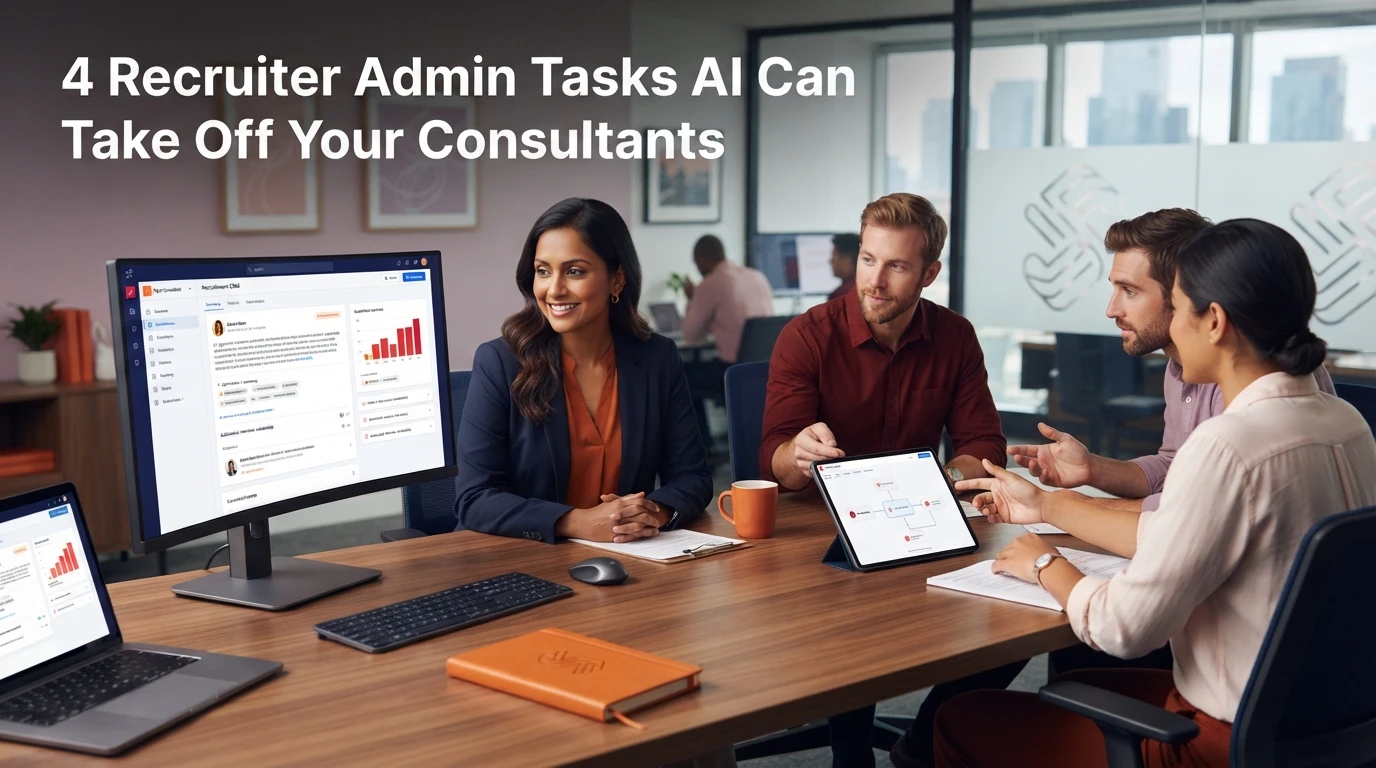
A consultant finishes a 30-minute client call, opens the CRM, and spends the next 20 minutes typing notes and tagging skills. Repeat that across five calls a day and two hours disappear into administrative overhead. Most agency owners treat consultant admin as an inevitable tax on billings, but recruiter admin tasks can be systematically reduced when you automate the right jobs in the right sequence.
Why data structure dictates which admin tasks to automate
Admin automation only works when your underlying records are structured and usable. Most failed automation projects stem from launching tools on top of missing email addresses, unverified phone numbers or inconsistent job titles.
If your CRM records lack consistent coding or rely entirely on free-text notes, automated tools will fail. A scheduling tool cannot book interviews if contact details are wrong. A compliance chasing tool cannot send requests if candidate records lack accurate contact preferences.
Fixing underlying record structure must happen before layering on secondary tools. Agencies that run a formal data intelligence analysis identify missing fields and inconsistent tags before investing in new automation software. Once data foundations are stable, AI tools can absorb non-billable desk work without creating duplicate admin elsewhere.
Task 1: Updating CRM candidate profiles and record tags
Manual data entry is the single largest time drain on a recruitment desk. Consultants regularly copy details from CVs, update candidate locations and add skill tags by hand.
AI tools can now parse unstructured text from incoming CVs or interview notes and propose structured field updates directly inside the CRM. Rather than asking a consultant to select ten dropdown options after every conversation, modern tools draft the record updates for review.
The key to successful profile automation is keeping human control over final saves. The AI reads the document, extracts key attributes like industry specialism, notice period and location, and queues the changes. The consultant confirms the suggested updates with a single click. This keeps record quality high while cutting manual data entry time significantly.
Task 2: Writing and structuring call notes
Typing up notes after candidate screens and client briefing calls eats up to an hour of every biller's day. When consultants rush between calls, notes get shortened or forgotten entirely, leaving the CRM empty of commercial context.
AI call summaries transcribe conversations and generate structured notes formatted to match your agency's standard CRM template. Instead of raw transcriptions that nobody reads, these tools pull out key details: salary expectations, availability, target job titles and specific candidate motivations.
Mainstream recruitment platforms like Vincere and Bullhorn now offer native note summarisation tools, while specialist add-ons integrate directly with web conferencing software. In our recorded conversation on process before automation, we highlighted how workflow tools must integrate into existing routines rather than forcing consultants to log into a separate platform.
Task 3: Coordinating interview scheduling
Scheduling interviews remains an inefficient game of email tag. A consultant coordinates times between a client and candidate, sends diary invites, updates candidate records and reschedules when conflicts arise.
AI-assisted calendar tools remove the manual back-and-forth. The tool reads candidate and client calendar availability, proposes suitable slots, issues calendar invitations and records confirmed times in the CRM pipeline.
This automation works best for initial candidate screening calls and first-round client interviews. For executive search or senior retained search engagements, human touch remains important. For high-volume perm or contract desks, self-service scheduling tools eliminate hours of daily phone tag.
Task 4: Chasing compliance and right-to-work documentation
Chasing reference details, proof of address and right-to-work documentation is critical, particularly for temp and contract desks governed by UK regulatory bodies like the REC. Yet managing document requests manually consumes valuable consultant and administrative time.
Automated compliance workflows track candidate document status against job requirements and trigger automated reminders via email or SMS when documents are missing or about to expire. When candidates upload documents, optical character recognition and AI validation tools inspect the files for legibility and expiration dates before flagging them for final internal verification.
Automating document chasing ensures compliance checks happen early in the recruitment pipeline rather than delaying start dates. It also keeps your agency compliant with guidelines published by the Information Commissioner's Office regarding candidate data processing and storage.
What to check before rolling out admin tools to your desk
Adding new software add-ons without auditing existing systems leads to bloated tech stacks and poor user adoption. Before committing budget to new AI tools, evaluate your current software footprint against these criteria:
- Audit native CRM capabilities first. Check whether your current CRM already includes built-in AI summary or scheduling features before buying third-party add-ons.
- Enforce workflow integration. Choose tools that operate inside your team's existing email client, phone system or CRM interface. If a tool requires a separate login, adoption will drop.
- Measure displaced hours, not feature lists. Test whether a tool saves at least two hours per consultant per week. If the operational savings do not exceed software licensing costs, skip it.
- Pilot on live desks for two weeks. Run trial licences on active desks using real client calls and candidate files to spot silent errors before committing to annual contracts.
Agencies seeking independent guidance on selecting and integrating recruitment technology can review our wider range of recruitment technology articles or explore our recruitment technology consultancy work.
Practical next steps for desk leaders
To reduce admin work across your recruitment team, avoid attempting to automate every desk task simultaneously. Select the single administrative task that causes the greatest bottleneck on your desk today, confirm your CRM data structure can support it, and pilot a tool with two high-billing consultants.
Refine the workflow based on their daily feedback, establish standard operating procedures for record approval, and then expand rollout across the wider business.
Frequently asked questions
What recruitment tasks can be automated with AI today?
AI tools reliably handle call note summarisation, CRM profile updates, interview scheduling and compliance document reminders. Tasks requiring commercial negotiation, candidate relationship building and final hiring decisions must remain under human control.
How do recruitment agencies avoid poor user adoption with new AI tools?
User adoption fails when new tools require separate platform logins or complex extra steps. Select tools that embed directly into your existing CRM, email client or phone setup so consultants complete tasks within their established daily routines.
Should agencies fix CRM data before adding AI admin automations?
Yes. Automated scheduling, document chasing and record updates rely on accurate CRM data. If contact details, job categories or candidate tags are incomplete or miscategorised, automated workflows break and generate administrative rework.