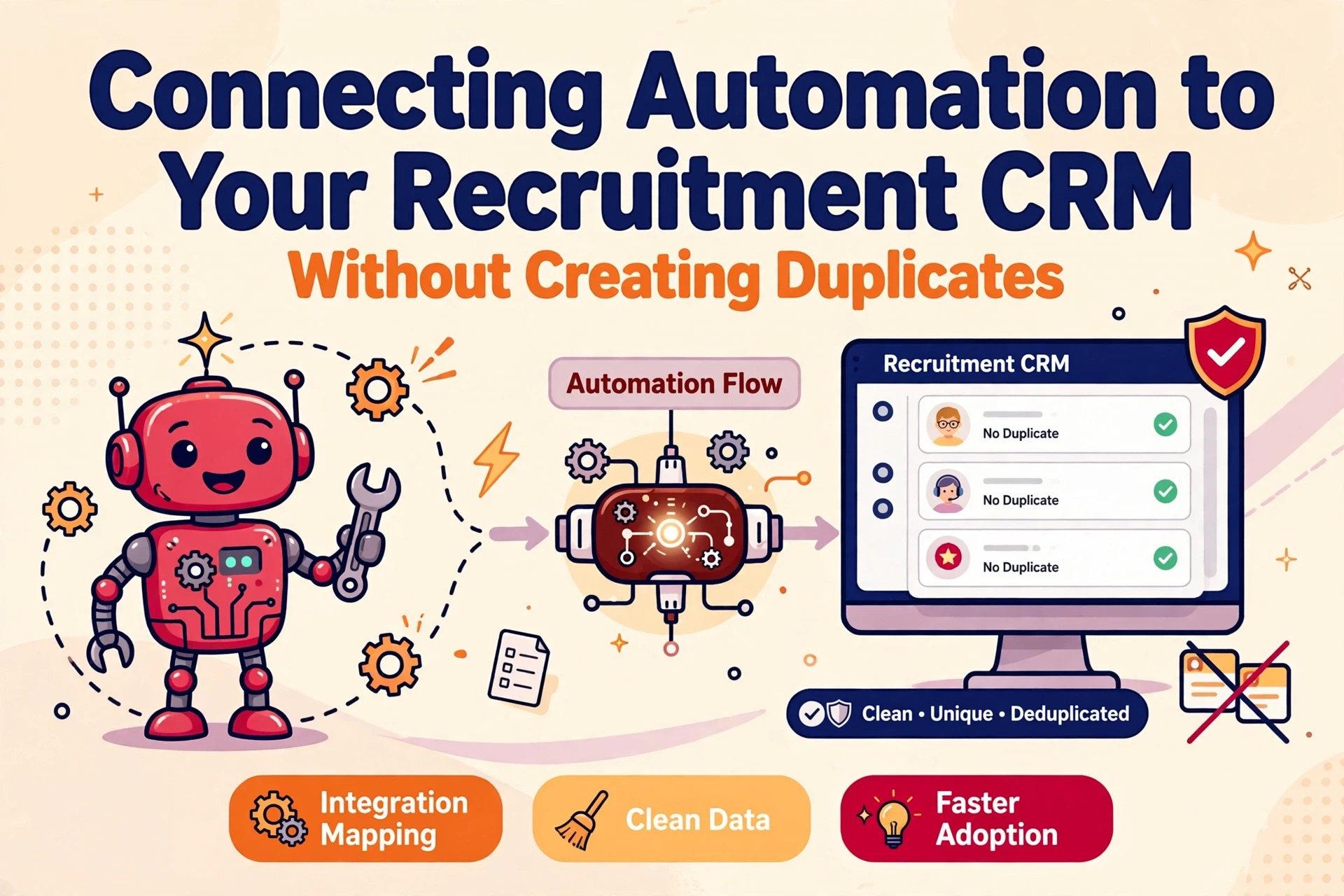
Two consultants build the same shortlist on the same Friday, each running a sourcing sequence that fires twice. By Monday morning the CRM holds three versions of one candidate record, none linked to the live role. That is the operational cost of an untested recruitment CRM integration. Connecting automation to a CRM requires a strict order of operations: test API capabilities, set matching rules before creating records, and design workflows so repeat executions never create duplicates.
Test CRM Connections Before Building Workflows
Before any recruitment CRM integration gets built, confirm what your software can handle. Most modern agency CRMs offer an API and support webhooks, but data limits and payloads vary. Testing endpoints first saves weeks of rework later.
API and Webhook Mechanics
An API acts as a secure doorway, allowing external software to read CRM records and post updates. Webhooks operate in reverse: the CRM sends an instant payload when a specific event occurs, such as a candidate changing status. Automation tools listen for those payloads and trigger downstream tasks.
The Pre-Build Test List
Validate four core capabilities before constructing complex workflows. Each test takes minutes using sample data points.
| Test | What to confirm | Why it matters |
|---|---|---|
| Read access | Extract candidate and company records with primary key fields | Matching logic requires reliable source data |
| Create and update | Add a record and update an existing entry in a single request | Prevents secondary records for existing contacts |
| Webhook actions | System changes fire an event carrying a usable payload | Triggers downstream automation reliably |
| Write-back | Notes, task statuses and outcomes record against the correct ID | Maintains the CRM as the single source of truth |
If your system fails any of these tests, adjust your CRM configuration first rather than building complex workarounds. That initial review is standard practice when an independent recruitment automation consultant evaluates stack readiness.
Match Incoming Records Against Existing Data
Before an automated flow creates a new entry, it must query the CRM database for existing matches. This single step prevents duplicate records. The check follows a strict sequence: search for existing profiles, update matching entries, and create new records only when zero matches exist.

Select Reliable Unique Identifiers
Not every field reliably identifies an individual or firm. Names change, contain typos and repeat across candidate pools. Work email is far stronger because agency platforms enforce unique field checks, though candidates frequently change domains. For client accounts, use Companies House registration numbers or primary web domains instead of trading names. Most systems allow administrators to define primary matching keys within their crm implementation settings.
Tiered Matching Rules and Fallbacks
Structure matching logic in tiers. Query exact email matches first. If no match returns, check secondary identifiers such as phone number or full name combined with current employer. If all checks fail, create the profile and log which rule logic ran. Each path must end in a clear decision: update existing data or create a single record. Never permit workflows to guess matches, as reversing an incorrect record merge requires manual remediation.
Why Name-Only Matching Fails Agency Databases
Recruitment databases contain hundreds of shared names. Having multiple candidates with the same name across different locations is routine, while individual candidates often register under variations like Dan and Daniel. Matching on name alone either misses actual duplicate records or incorrectly merges two distinct people, corrupting search results and client histories.
Design Idempotent Workflows for Safe Re-runs
To stop automated sequences sending duplicate messages to candidates, structure every flow so repeating an execution alters nothing.
- Assign a unique reference key to every payload before processing
- Maintain a separate log of completed workflow executions
- Check the execution log prior to sending an email or updating a record
- Skip records that show prior completion timestamps
How Idempotency Works in Practice
A workflow is idempotent when executing it once or ten times produces identical database results. If a candidate matches two separate sourcing parameters, they receive one sequence email, not two. Designing for repeat executions from day one protects candidate relationships when unexpected system restarts occur.
Unique References and Processing Logs
Assign every automated step a unique ID, such as the webhook payload reference, and record it in a processing log before taking action. On subsequent runs, the workflow checks the log, recognizes the ID, and terminates safely. Establishing these rules during setup ensures candidate databases remain structured and reliable.

Test Emergency Stop Controls
Every automated system requires a manual kill switch. A clear pause control within your integration software allows operations teams to halt workflows immediately if payload errors occur, avoiding the need to alter individual step configurations during an incident.
Write Activity and Outcomes Back to the CRM
Recruitment automation delivers long-term value only when the CRM remains the complete operational record. Every outbound email, recorded call and candidate response must update the CRM automatically, keeping consultant views complete.
Essential Elements of an Activity Record
Every automated activity entry requires four specific elements: the contact involved, the action taken, an accurate timestamp and the origin workflow. A note stating "sequence email sent" offers little value compared to an entry listing the candidate, specific template title and exact send time. Standardising this format keeps reporting accurate.

Capture Outcomes Alongside Activity
Activity records confirm what took place, while outcome data shows whether outreach converted. Log candidate replies, interview bookings, rejections and opt-out requests directly against the CRM record. Consultants reviewing a profile can evaluate candidate status instantly. For agencies expanding operational metrics, structured activity tracking underpins reliable data intelligence projects.
Track Data Provenance and Timestamps
Record the original source and timestamp for every external data write. Whether a contact originated from a job board export, web application or direct email response, save that context. Clear data provenance lets teams track record history and verify contact origins quickly during data reviews.
Respect Suppression Flags and Contact Preferences
Automation workflows must query consent settings and suppression flags automatically before initiating outreach or creating records.
- Check the CRM for active suppression markers before every scheduled send
- Halt execution immediately if opt-out flags exist
- Write preference changes back to the CRM instantly when candidates unsubscribe externally
- Log the specific suppression reason when execution stops
The ICO advises businesses to maintain clear suppression records alongside consent data for direct marketing, and the same principles apply to recruitment outreach workflows.
Automated Checks Before Outreach
Relying on consultants to check opt-out status manually is an operational risk. Build preference checks into every automated workflow as an non-bypassable step before message dispatch. If a candidate exists across two records with a suppression flag on one, the workflow check must identify the restriction and stop outreach.
Keep CRM and External Preferences in Step
When a recipient unsubscribes through an outreach platform, that status change must sync back to the main CRM record immediately. Without bidirectional updates, central contact preferences grow stale, risking non-compliant messages to individuals who previously opted out. Reviewing the ICO's guidance on respecting preferences provides clear operational parameters for marketing data governance.
Avoid Common Integration Mistakes
Never Auto-Merge Existing Duplicate Records
Duplicate records already present in your CRM require human evaluation. Configure automation tools to identify and tag potential duplicates, leaving consultants to review and complete record merges within the CRM interface. Automated scripts that merge records without oversight risk combining distinct candidate files, deleting historical notes and corrupting placement records.
Avoid Default Matching Settings
Many integration tools provide loose default matching rules, often relying on candidate names alone. Tighten these configurations before deploying workflows. Require primary email matches as standard, and demand secondary field agreement on company domain or phone number before identifying a match. Unchecked default settings quickly generate duplicate records faster than teams can review them.
Where duplicate entries are already impacting search accuracy, an independent Syun Consulting review helps structure integration logic that maintains CRM record integrity.
Establishing Integration Rules
Preventing duplicate records during CRM automation depends on system discipline rather than vendor choice. Prove API endpoints first, enforce strict identifier matching before creating new entries, and construct idempotent flows that handle repeat runs safely. Ensure all activity updates flow back to candidate records while respecting central suppression flags. By setting firm technical rules up front, agencies maintain a single source of truth as their recruitment automation expands.
Frequently Asked Questions
How do you prevent duplicate records when connecting recruitment automation to a CRM?
To prevent duplicates, verify the CRM API capabilities first and establish matching rules based on unique identifiers like email addresses or Companies House numbers. Always query existing records before creating new ones, updating matched candidate or client profiles directly. Workflows should also store unique processing IDs to ensure repeat execution runs cleanly without generating redundant data.
Should automation software automatically merge existing duplicate records in a CRM?
No. Automated scripts should flag potential duplicate records for consultant review rather than merging or deleting them automatically. Algorithms often misidentify similar candidate names or change histories, which risks overwriting critical activity logs and client notes. Human oversight ensures matching decisions preserve full historical context.
What happens if an automated recruitment sequence misfires?
Every active recruitment automation requires a tested kill switch that immediately halts outreach tasks and API requests. Administrators should document emergency stop protocols and assign clear authority to operational leads. Quick access to workflow controls prevents accidental message floods while teams investigate payload errors or trigger logic failures.